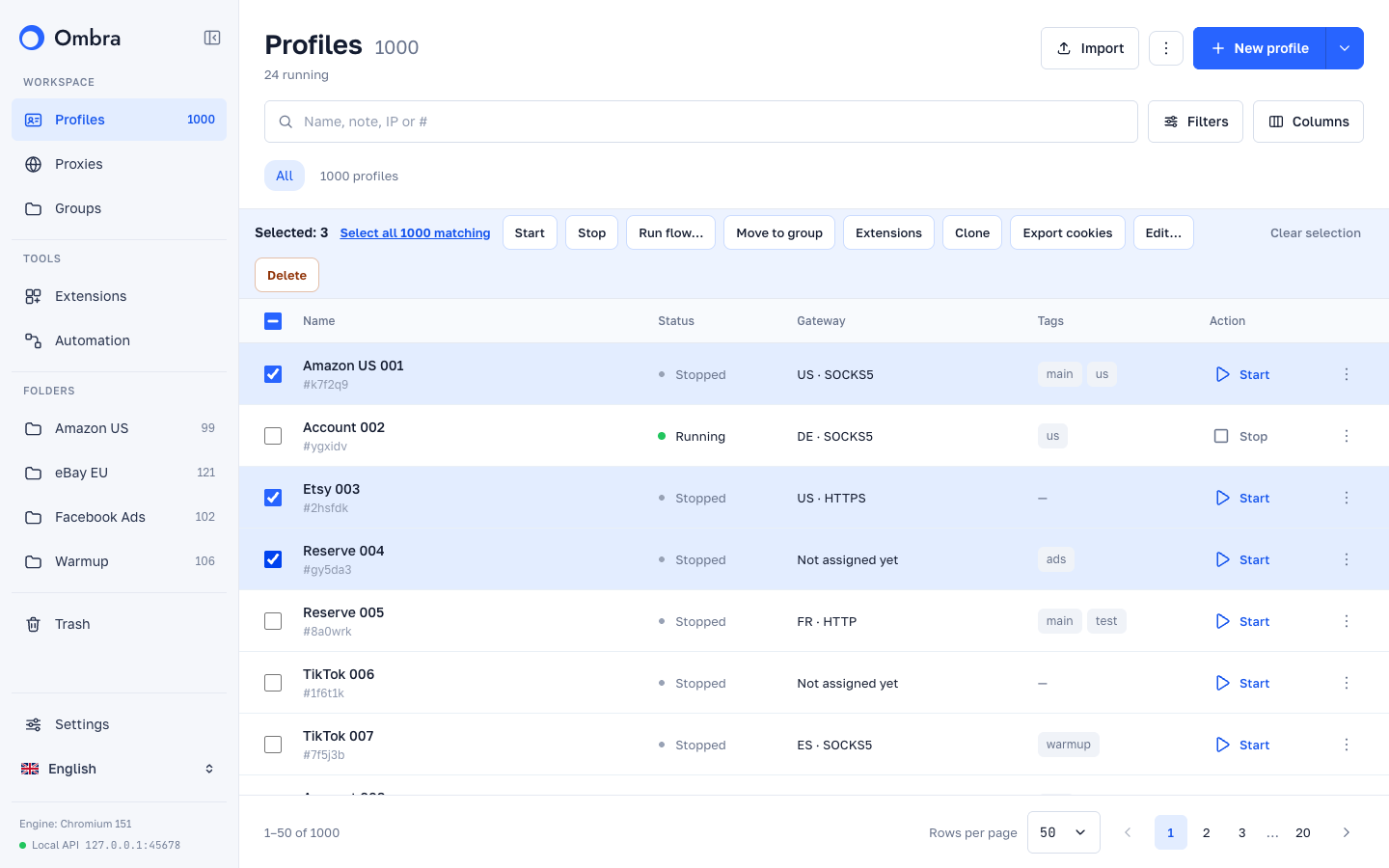
Bulk actions
Start, stop, copy and move selected profiles to a group. Export their cookies.
The standalone Ombra browser works without an account. The local profile manager is in development.
Archived manager interface · sample data
The module detects and solves supported CAPTCHAs in the current profile, both during manual browser use and while workflows are running.
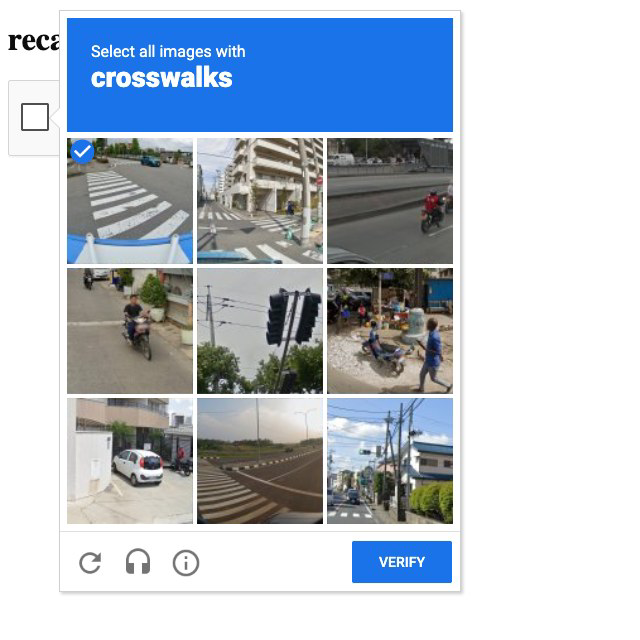
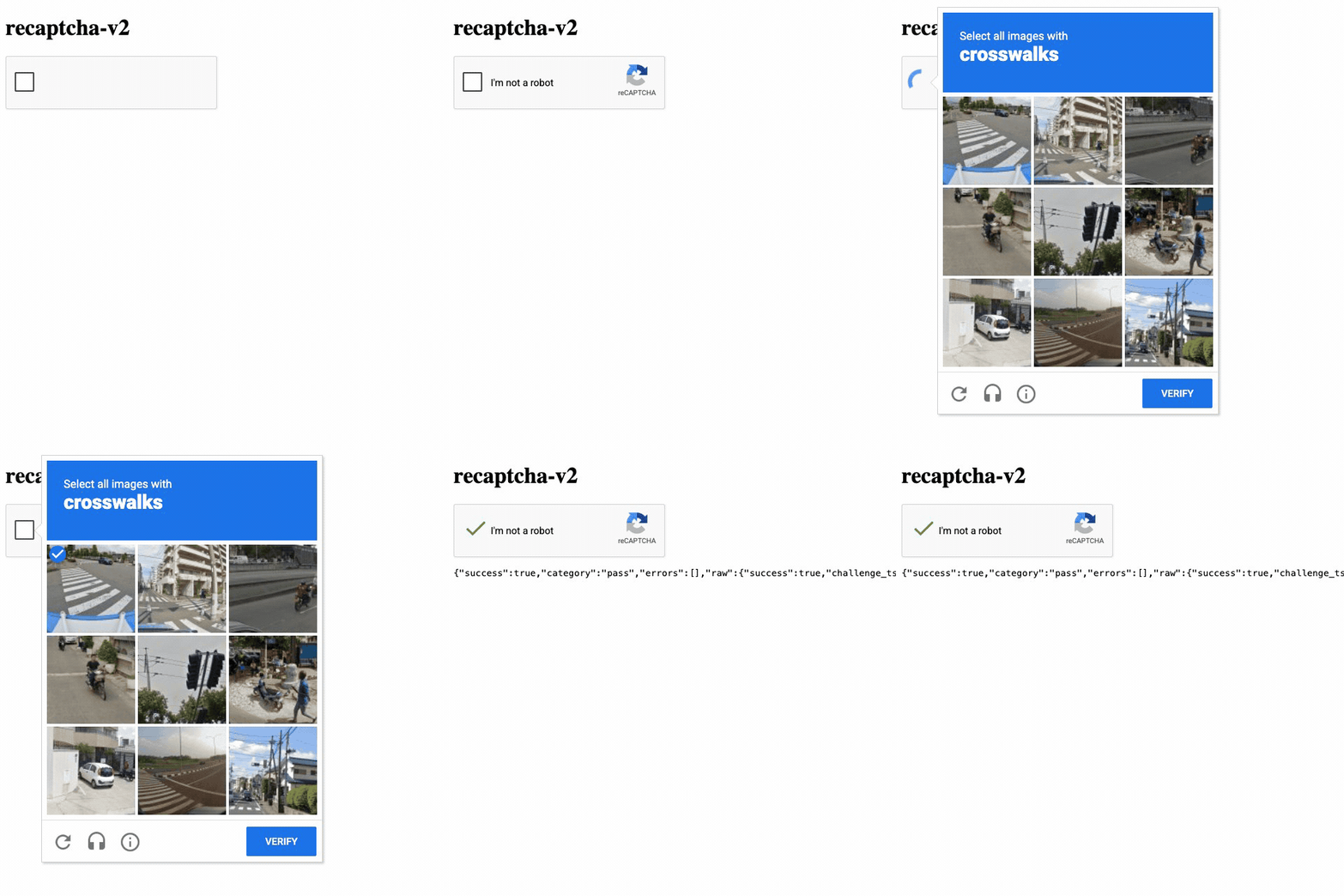
The module selects images with pedestrian crossings in a 3×3 grid and submits the answer.
Ombra test page, reCAPTCHA v2 challenge. This recording shows one run; results for other challenges may vary.
Download GIF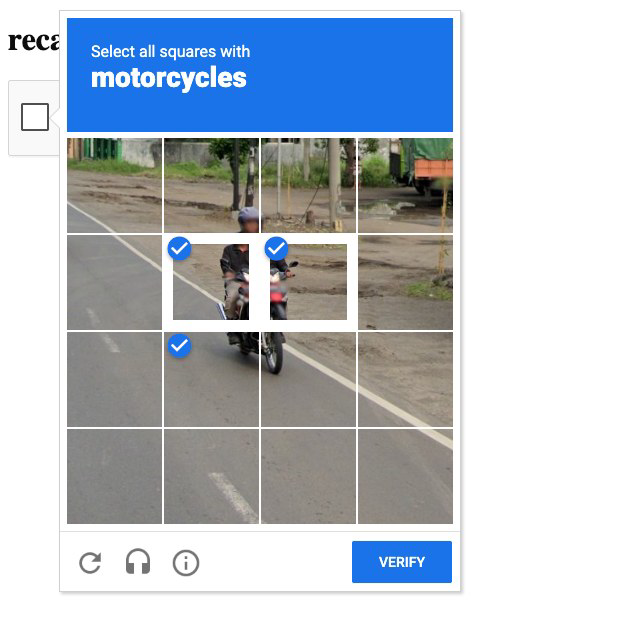
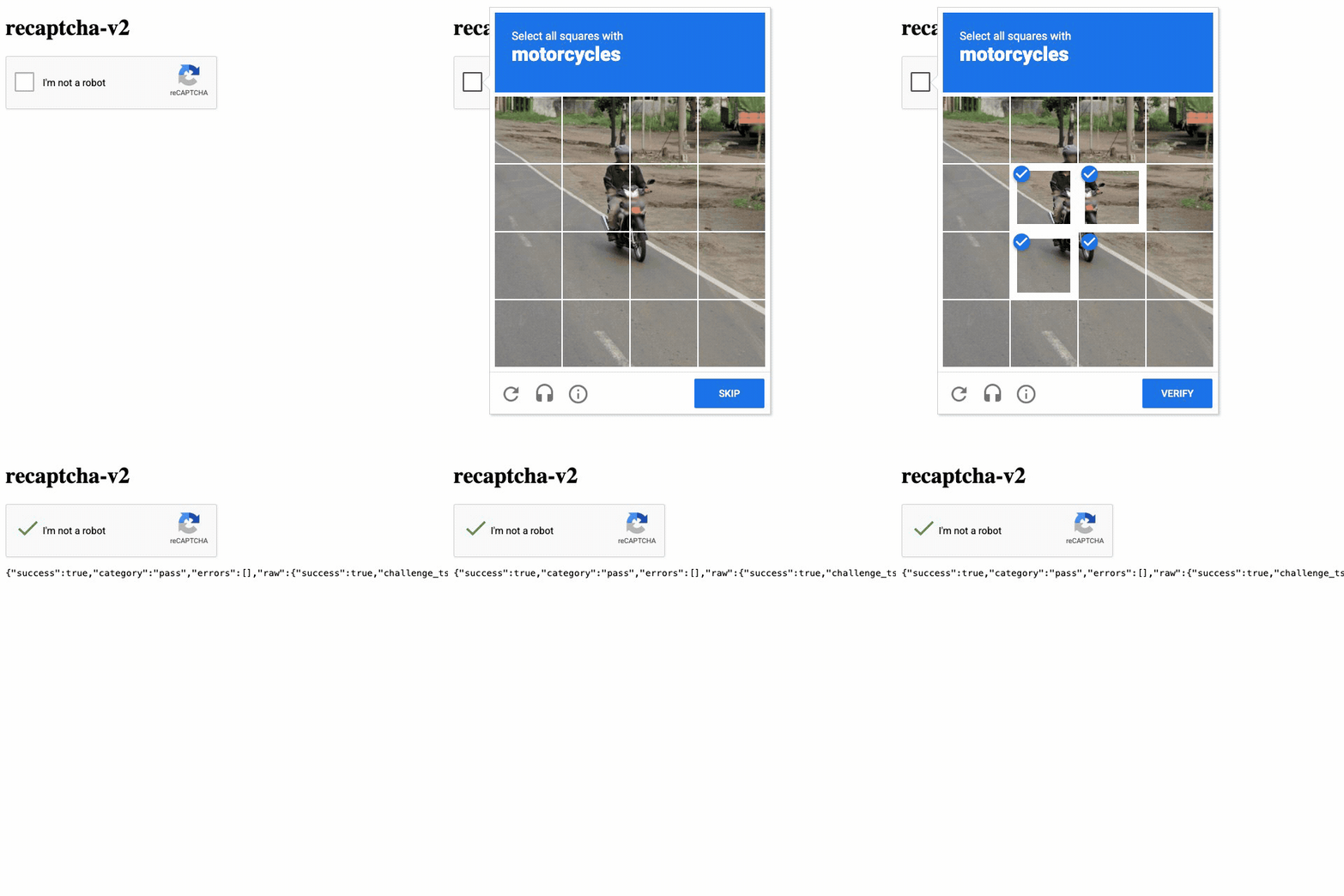
One image is divided into 16 tiles. The built-in module selects the tiles containing the requested object and submits the answer. Google accepts the solution.
Ombra test page, reCAPTCHA v2 challenge with a 4×4 grid. This recording shows one run; results for other challenges may vary.
Download GIF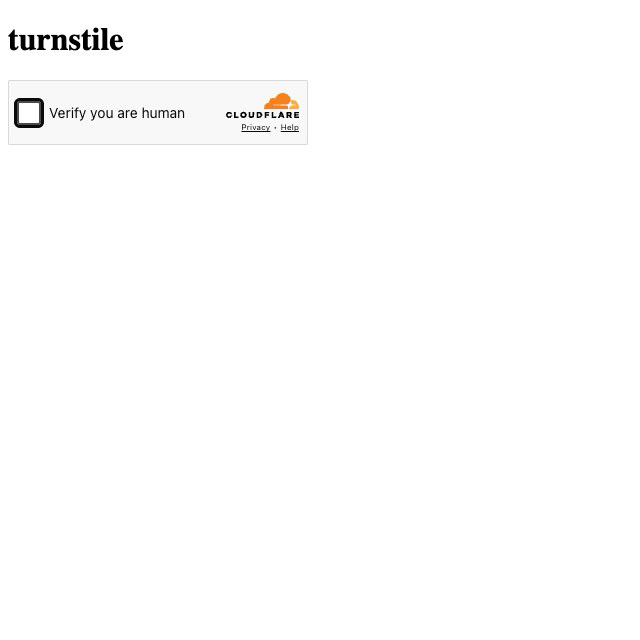
The recording shows the Turnstile widget confirming successful verification. No additional image challenge appeared.
Ombra test page with a Turnstile widget. This recording shows one run; results for other challenges may vary.
Download GIF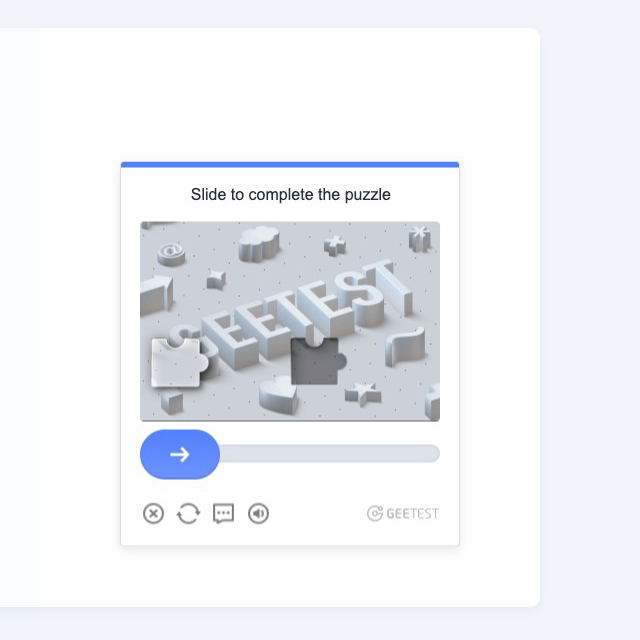
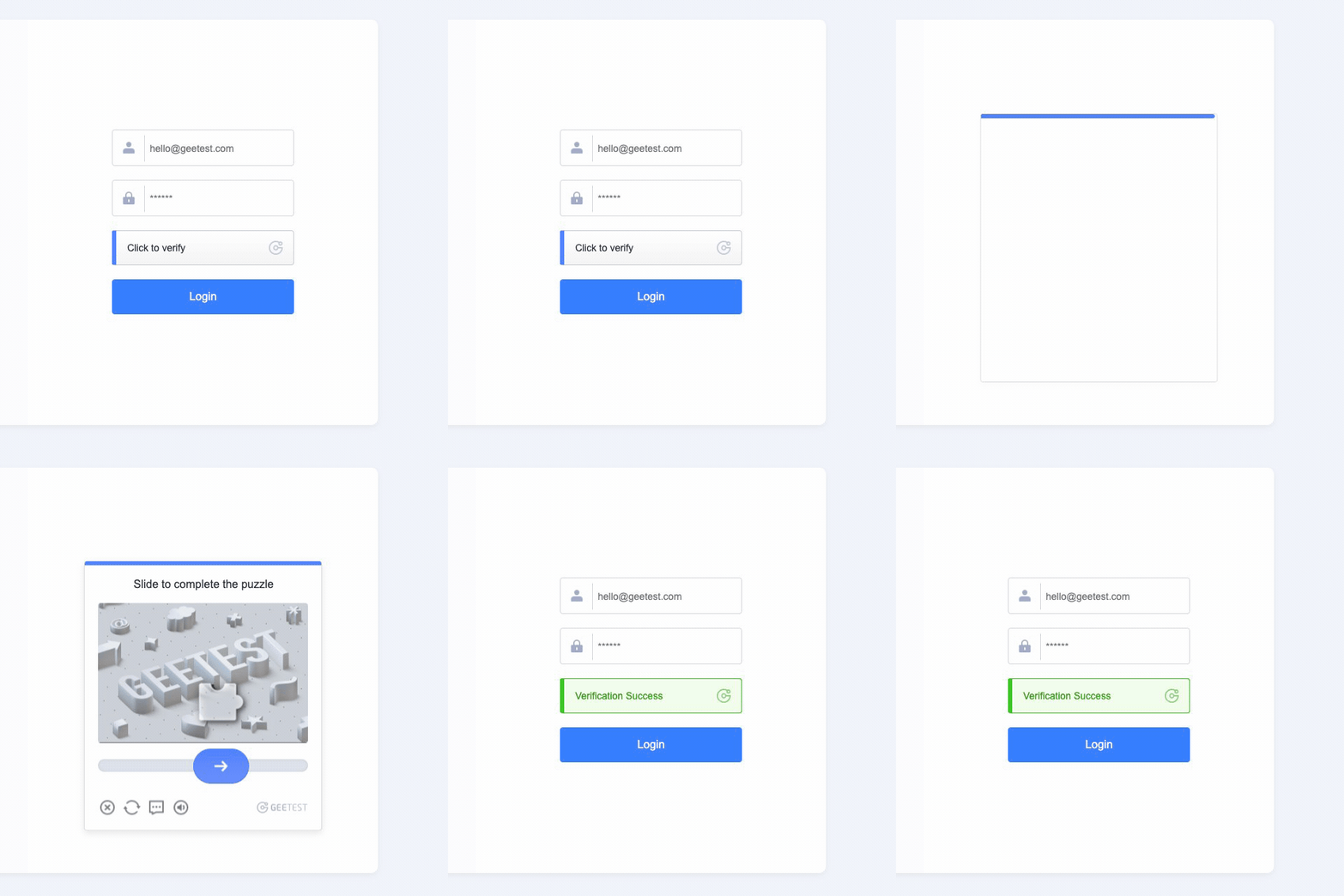
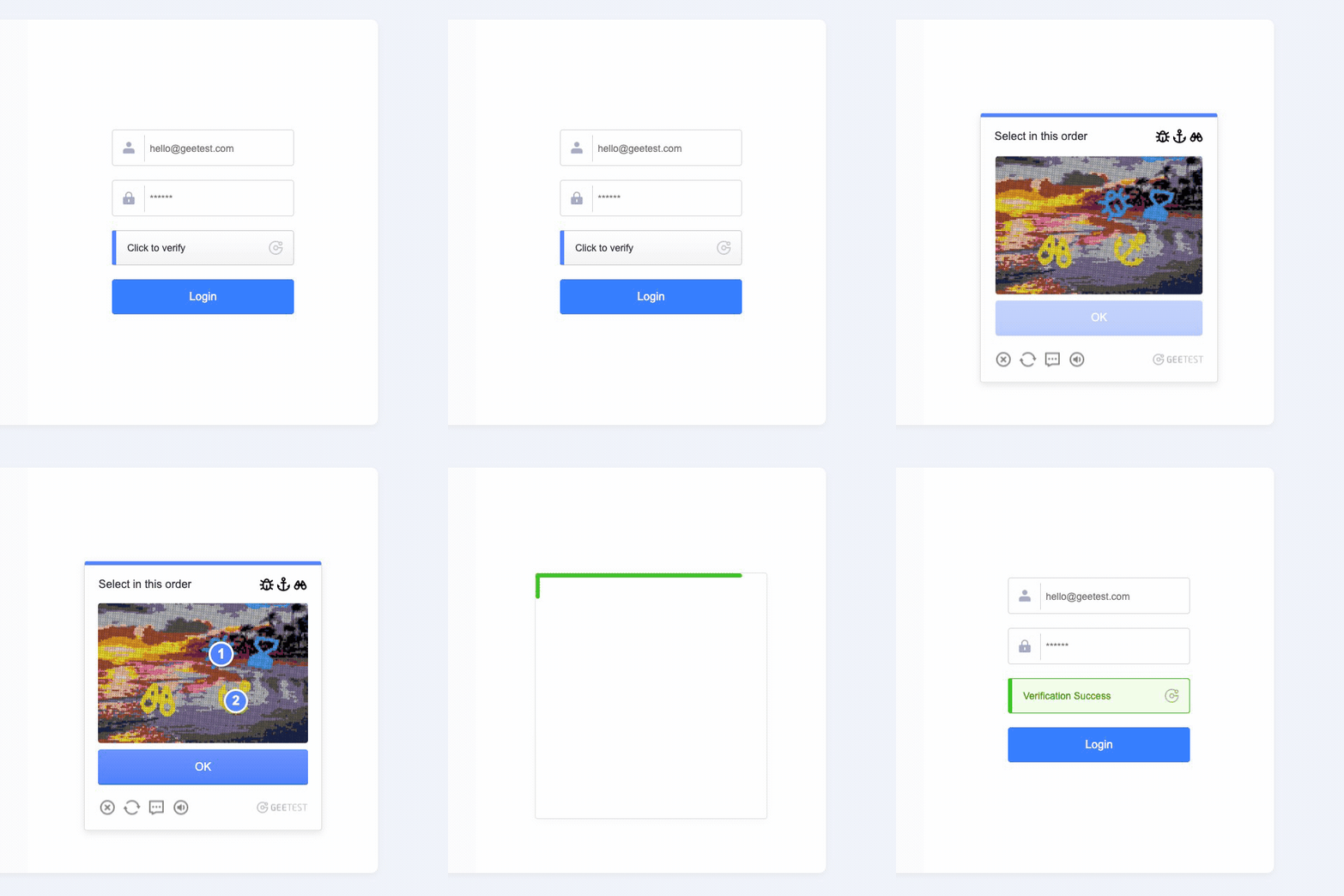
Ombra locates the gap and moves the puzzle piece using the slider. The widget confirms successful verification.
GeeTest demo page. This recording shows one run; results for other challenges may vary.
Download GIF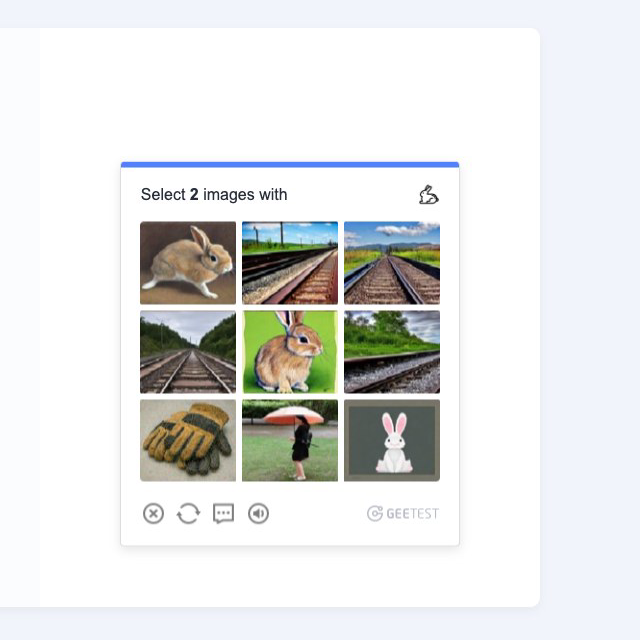
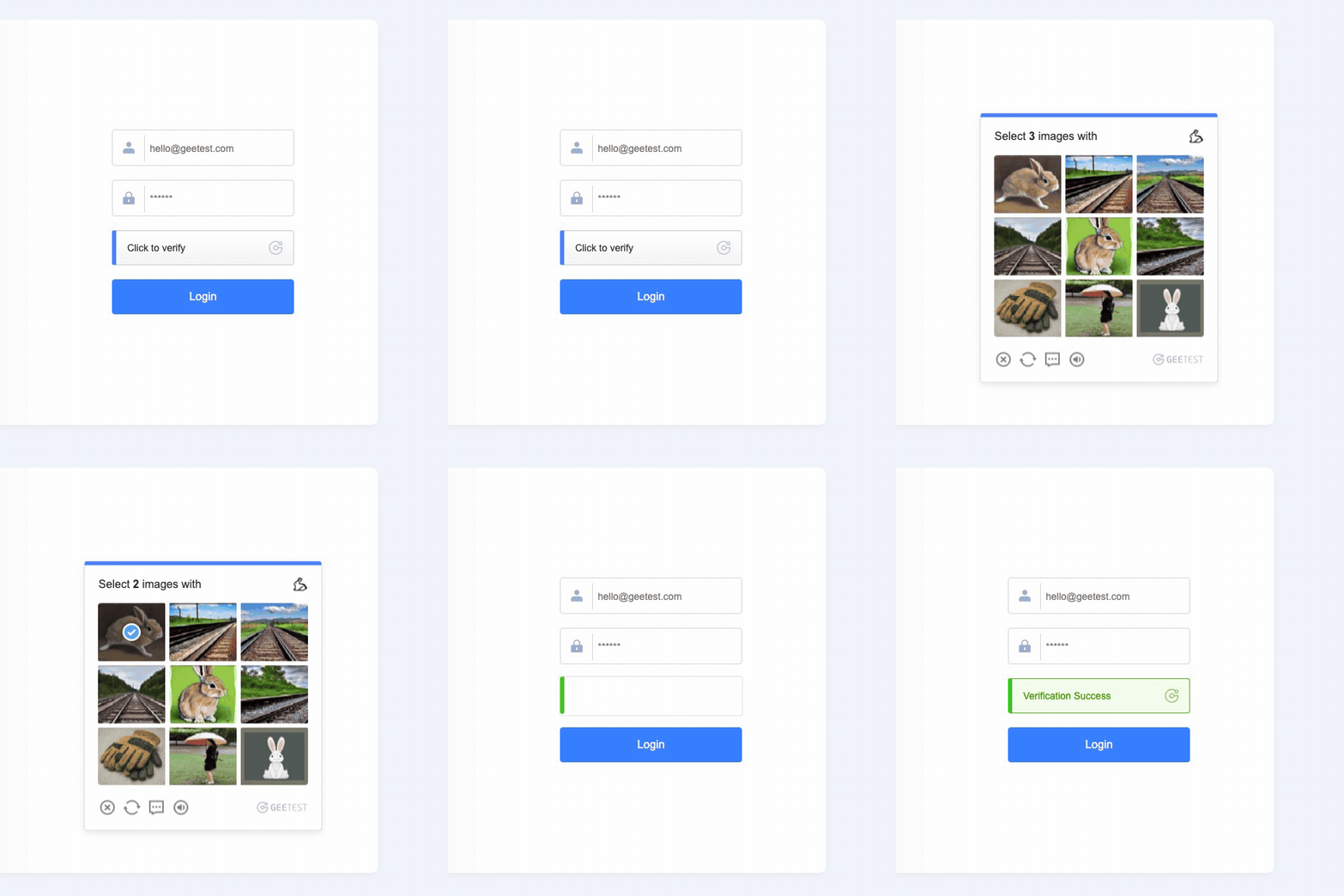
The challenge asks for three images of a rabbit. The built-in module selects the matching cells, and GeeTest accepts the answer.
GeeTest demo page. This recording shows one run; results for other challenges may vary.
Download GIF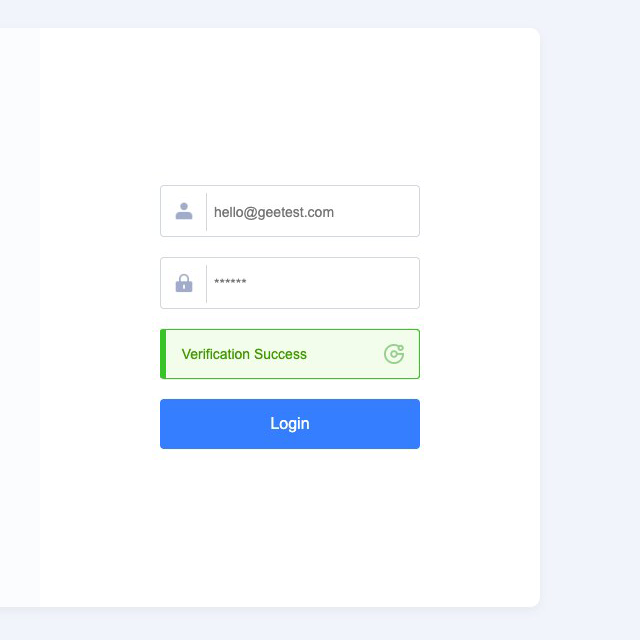
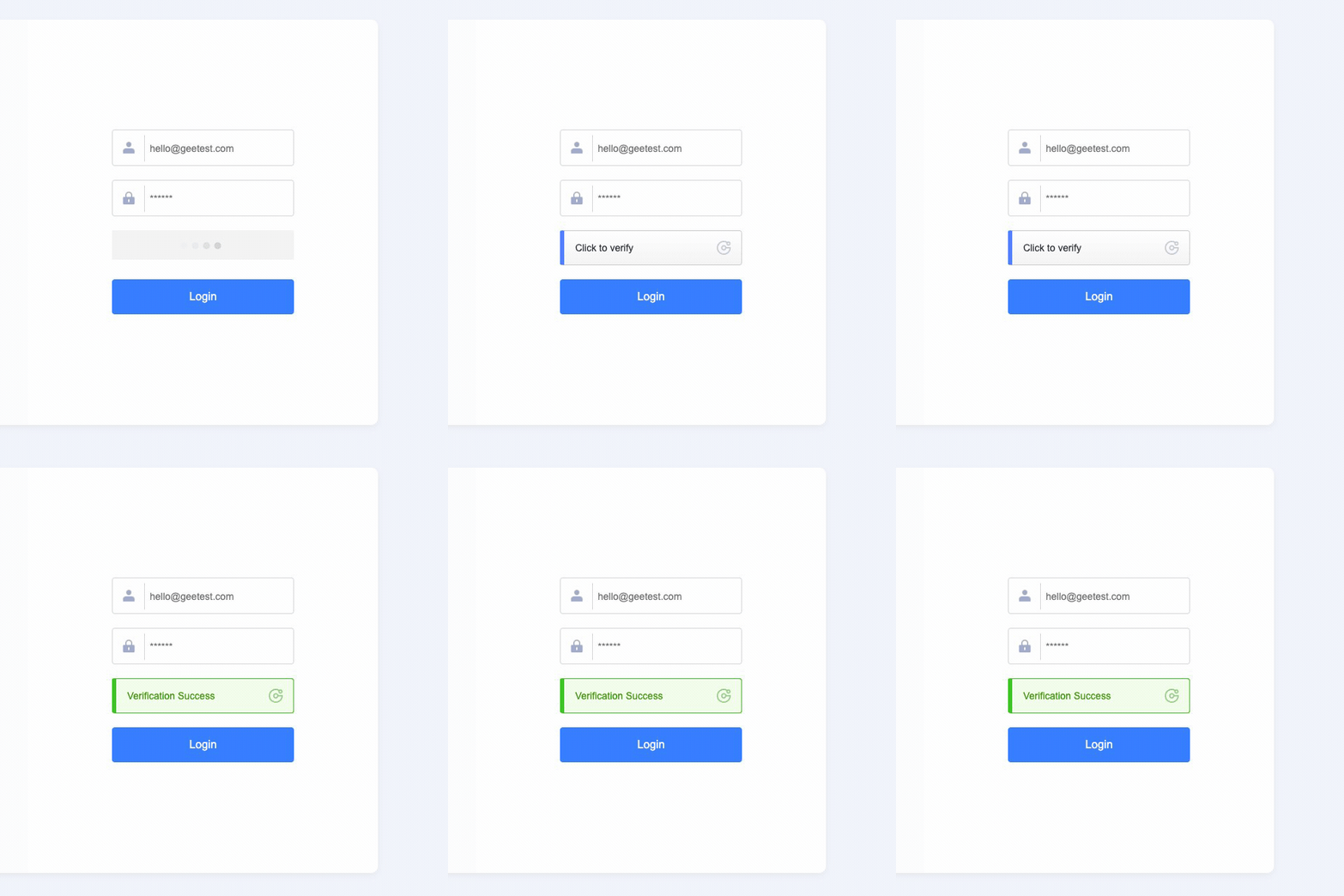
The built-in module starts verification, and the widget confirms success. No additional challenge appeared.
GeeTest demo page. This recording shows one run; results for other challenges may vary.
Download GIF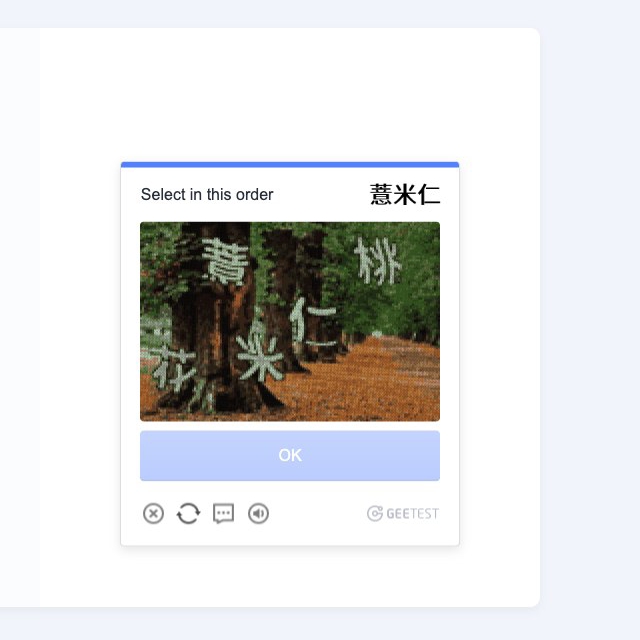
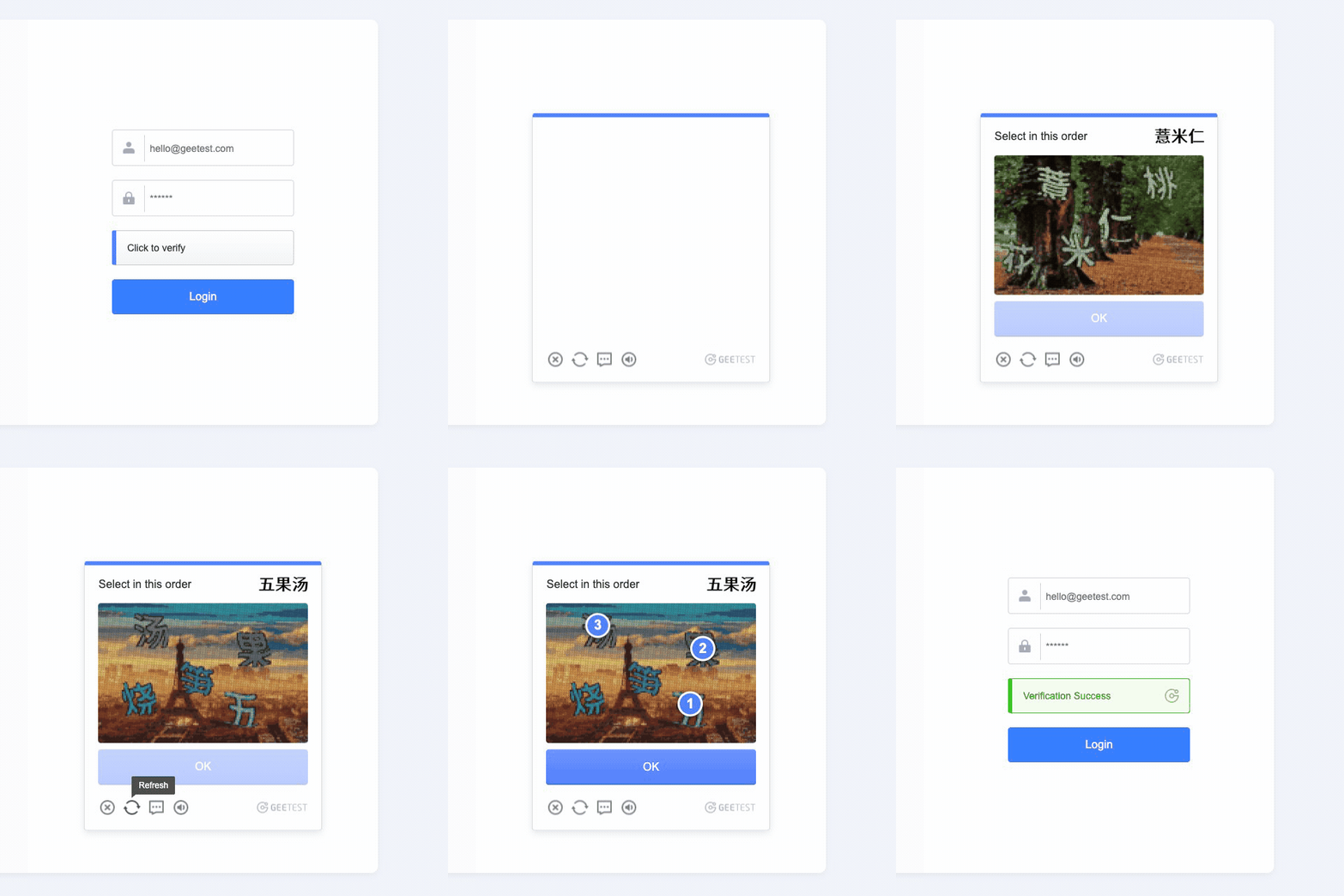
Ombra clicks the characters in the order shown in the prompt. The recording shows the solution through the widget’s confirmation.
GeeTest demo page. This recording shows one run; results for other challenges may vary.
Download GIF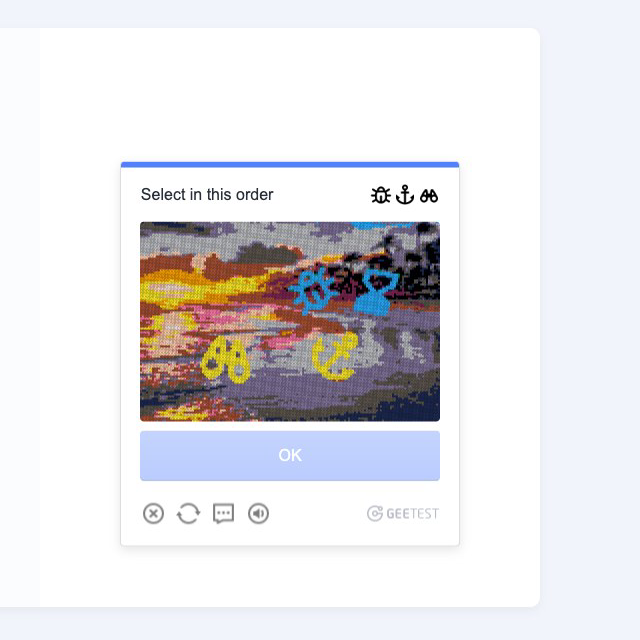
The module recognizes the icons in the prompt and selects the matching icons in the image in order. GeeTest accepts the answer.
GeeTest demo page. This recording shows one run; results for other challenges may vary.
Download GIF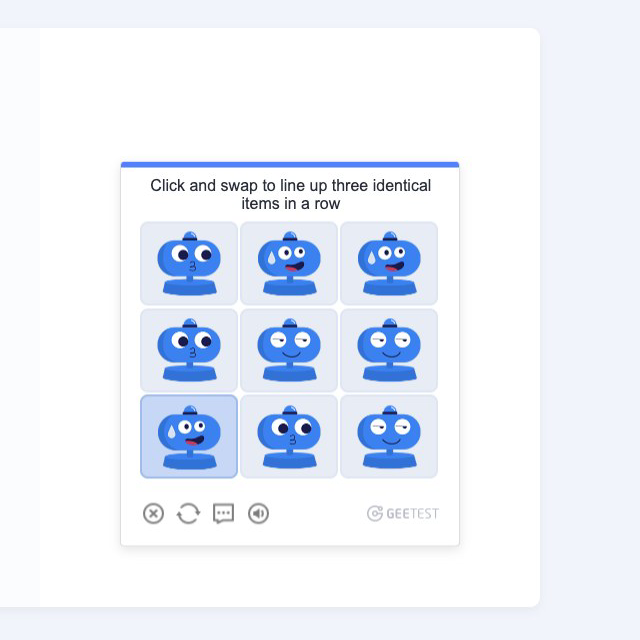
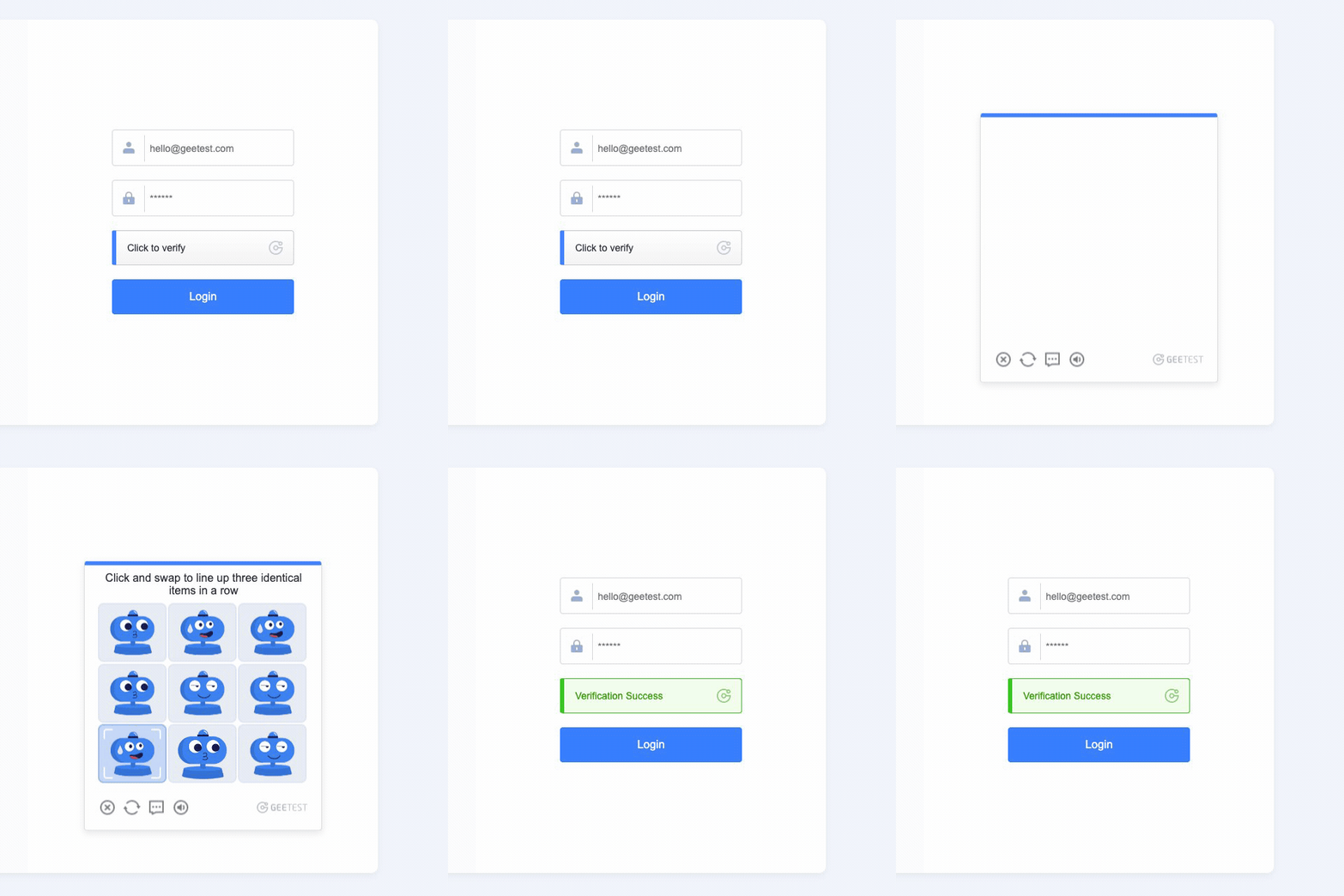
Ombra selects two cells to swap, creating a row of three matching images. The recording shows a match challenge in GeeTest v4.
GeeTest demo page. This recording shows one run; results for other challenges may vary.
Download GIF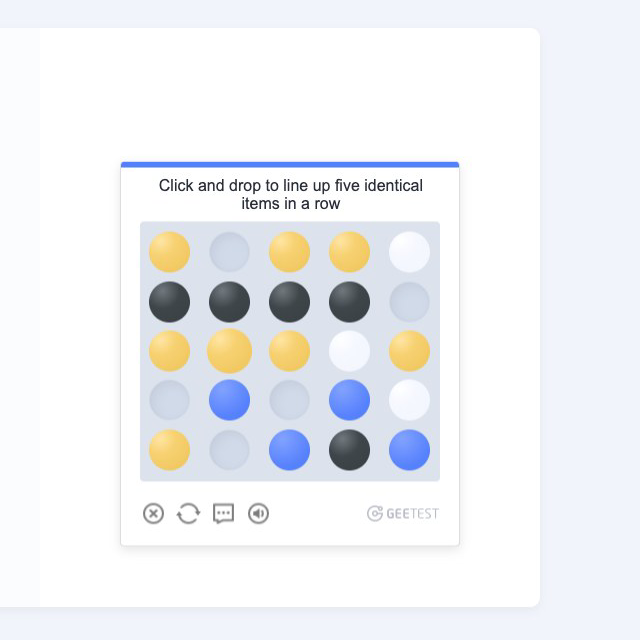
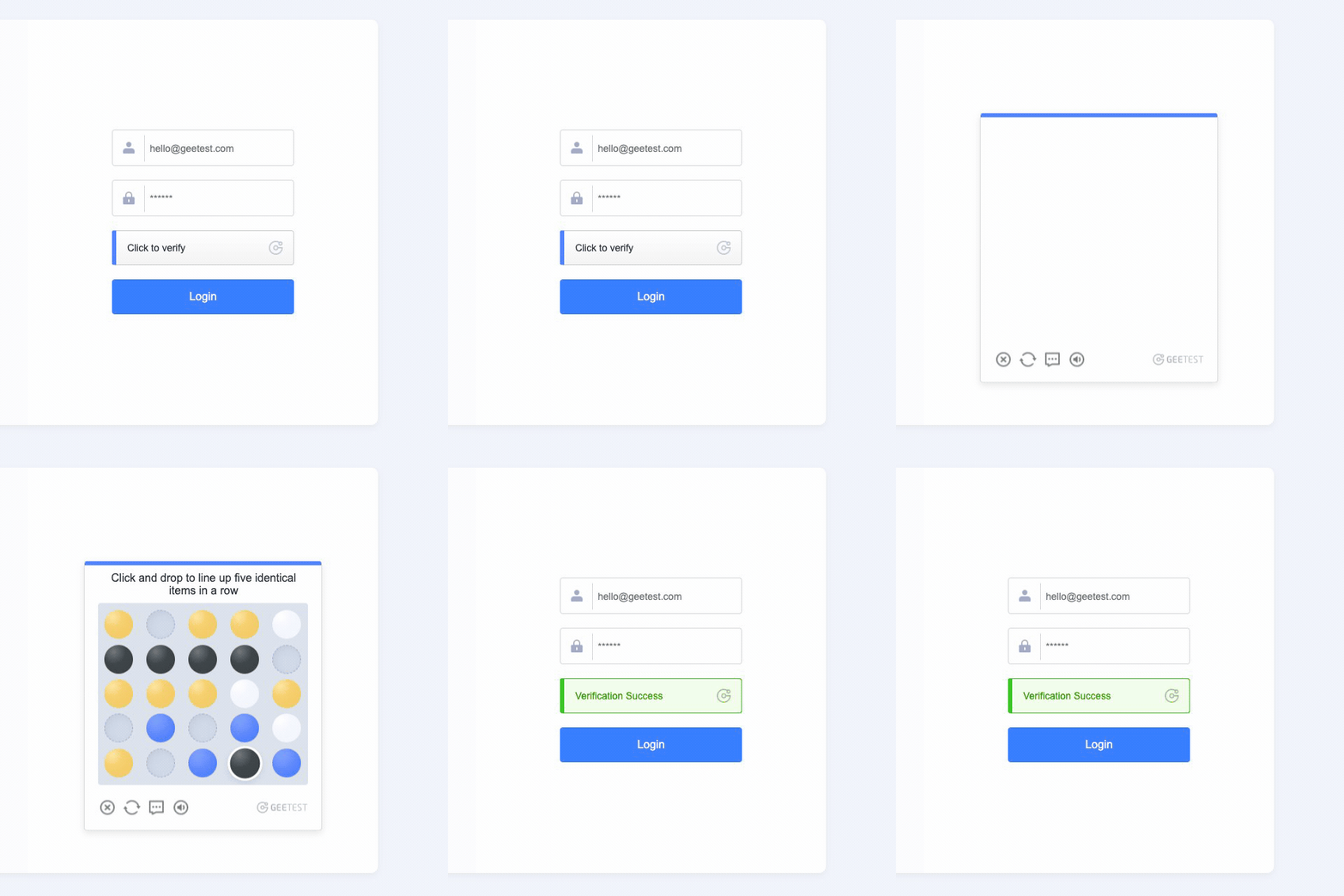
The module finds a suitable piece and an empty cell to form a row of five pieces of the same color. The GeeTest v4 widget confirms the solution.
GeeTest demo page. This recording shows one run; results for other challenges may vary.
Download GIFEnable the module in the profile settings and set a time limit and number of attempts. Support depends on the challenge type and browser version.
The RPA integration with the external service uses your 2Captcha API key and balance. It is configured separately from the built-in module.
Use CDP, the browser control protocol, to read the CAPTCHA status and choose the next step.
Playwright · Puppeteer · Local API · CDP
CSV · JSON · XLSX · Google Sheets
OpenAI · email · 2Captcha
Configure a profile and choose how to work: manually, through a visual RPA workflow or with your own code.
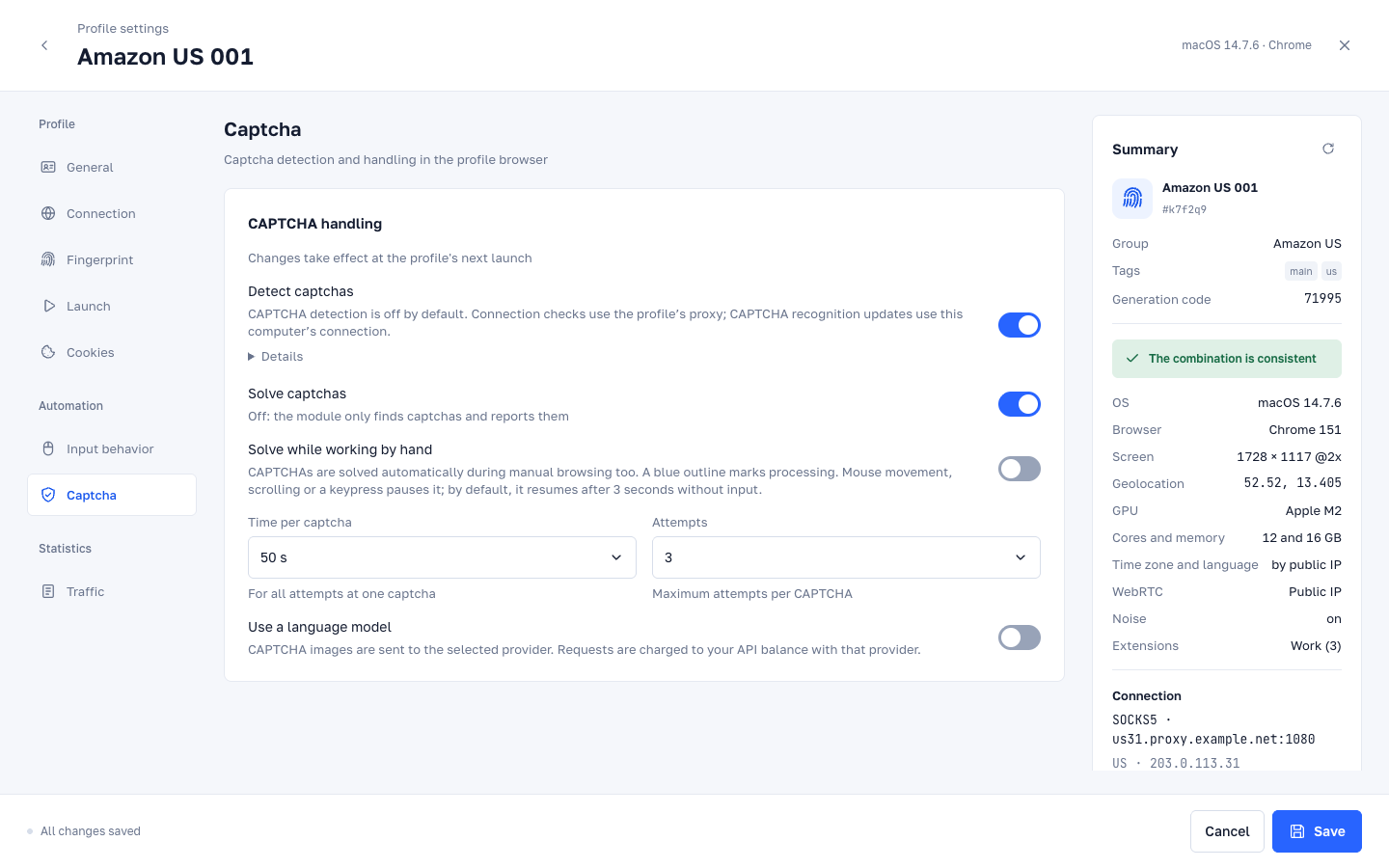
CAPTCHA detection and solving, manual use, time limit and retry count.
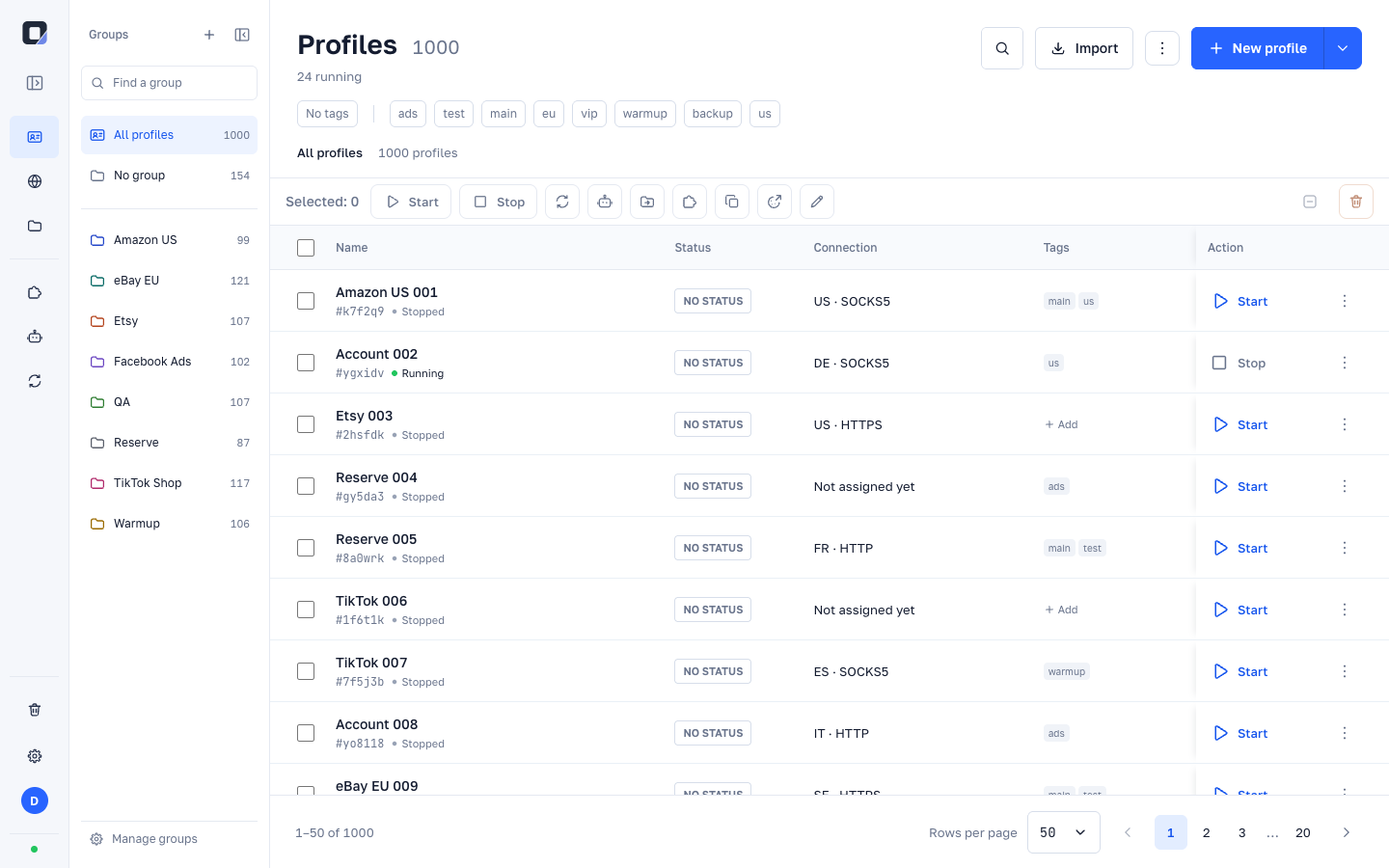
Profiles, groups, tags and browser status in one workspace.
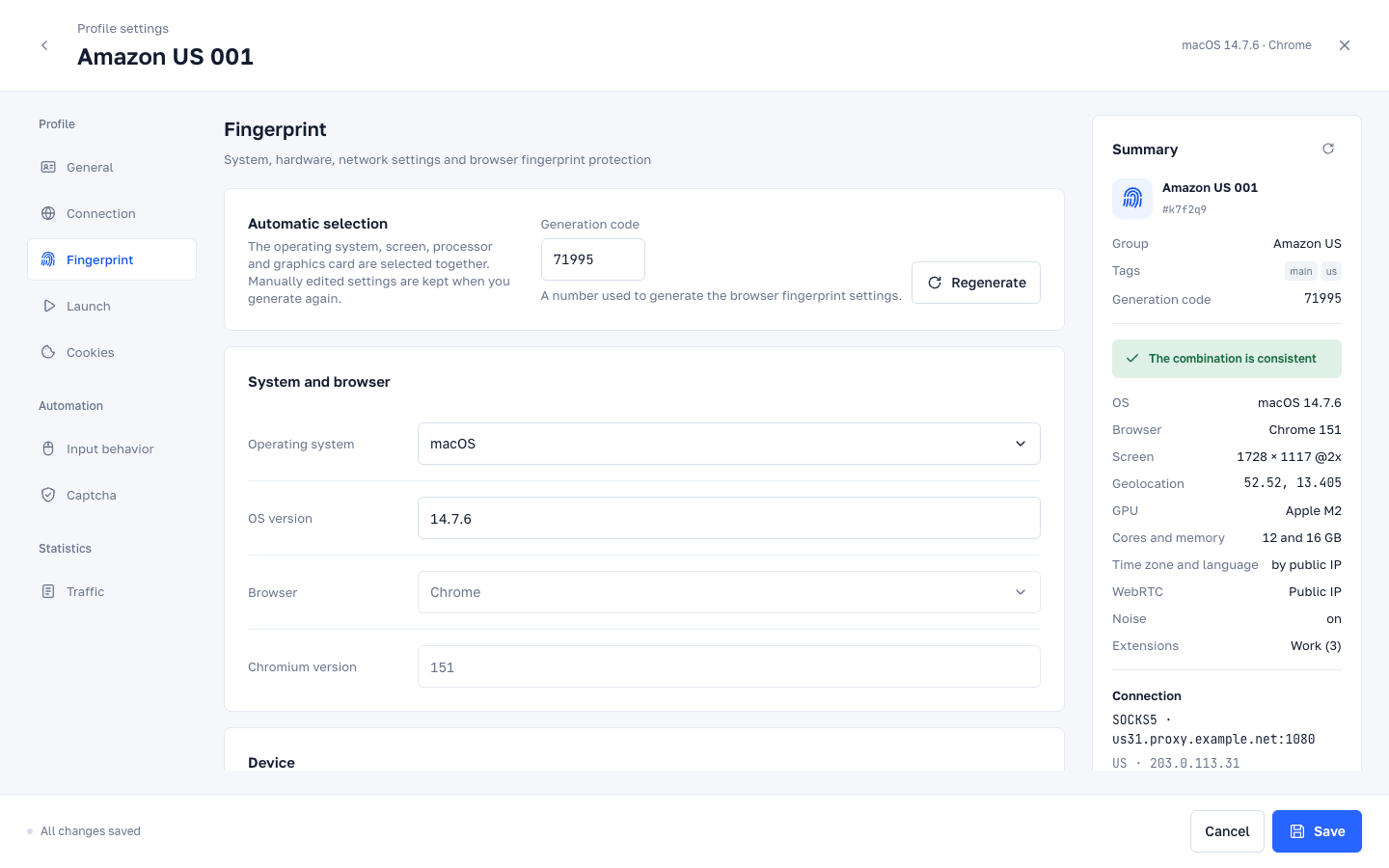
Automatic fingerprint generation and a consistency check in the profile settings.
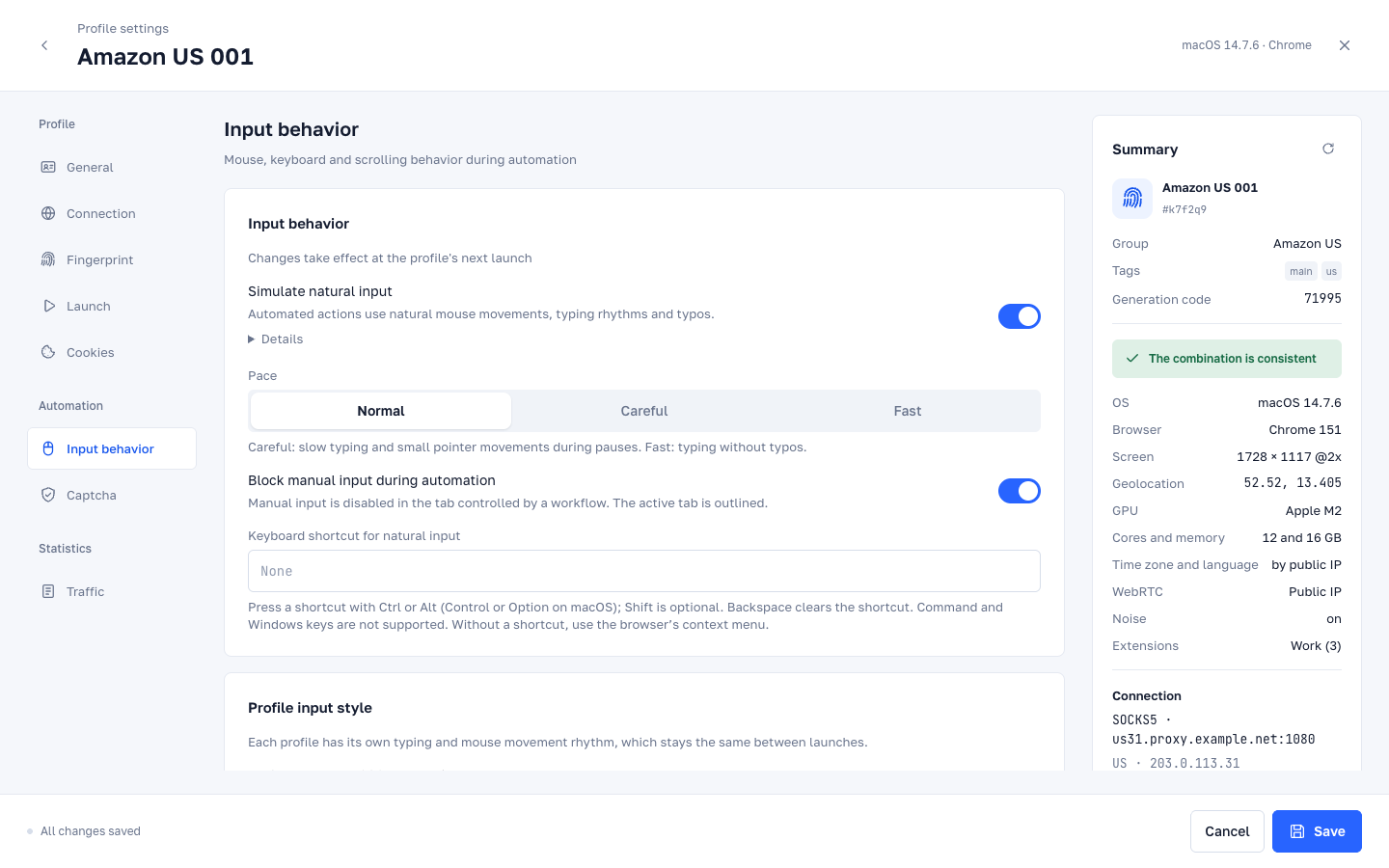
Typing speed, manual input blocking and profile behavior settings.
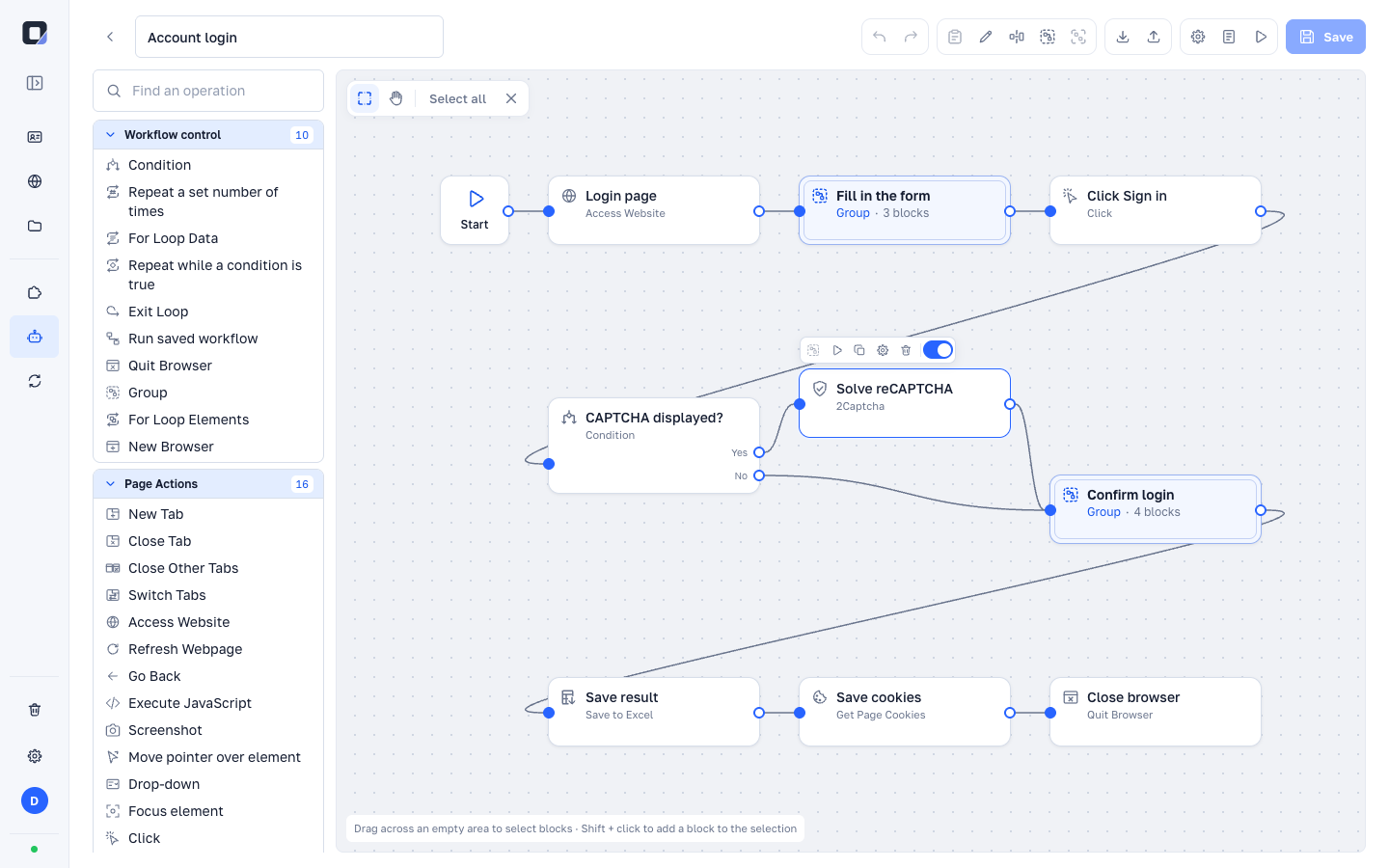
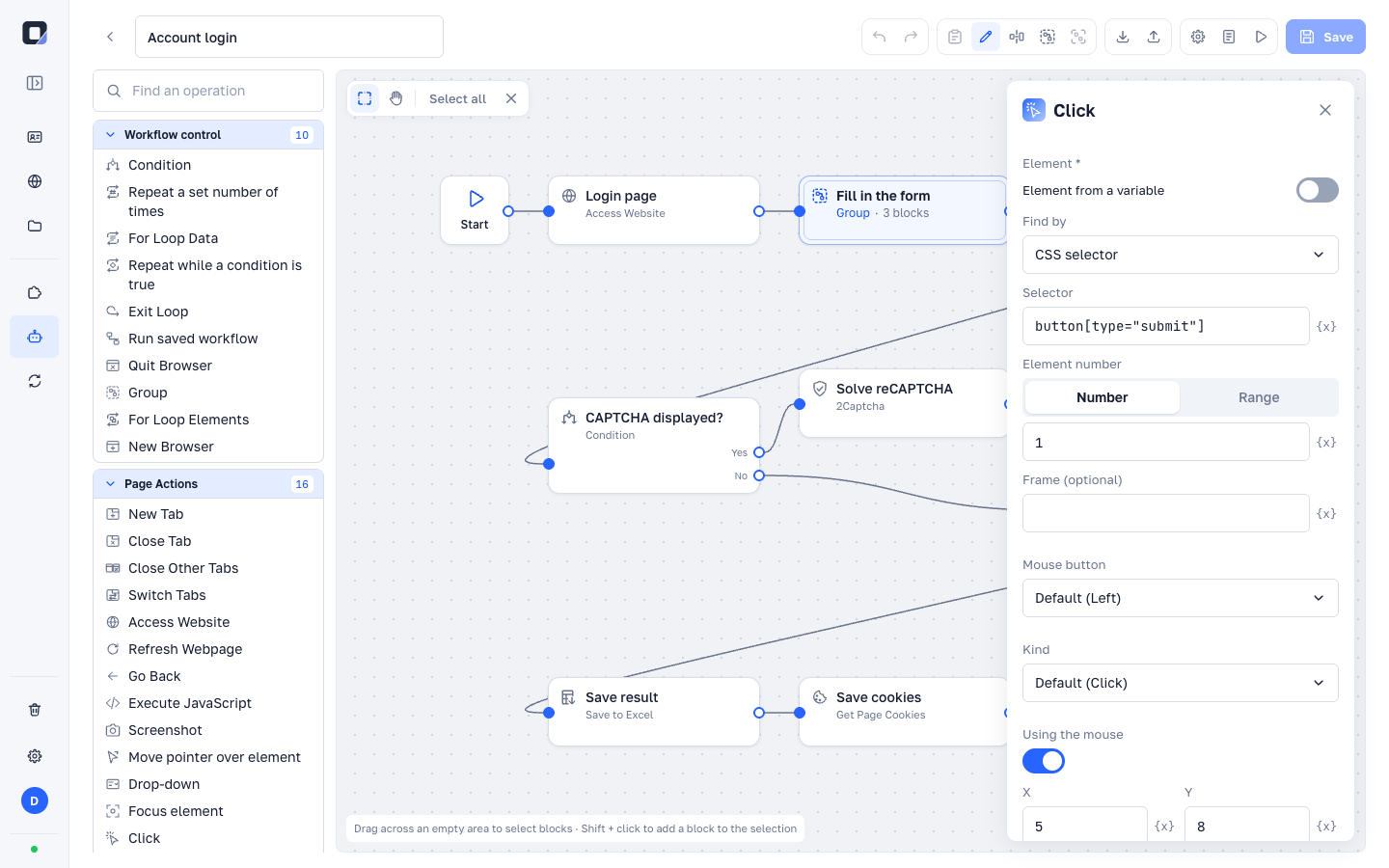
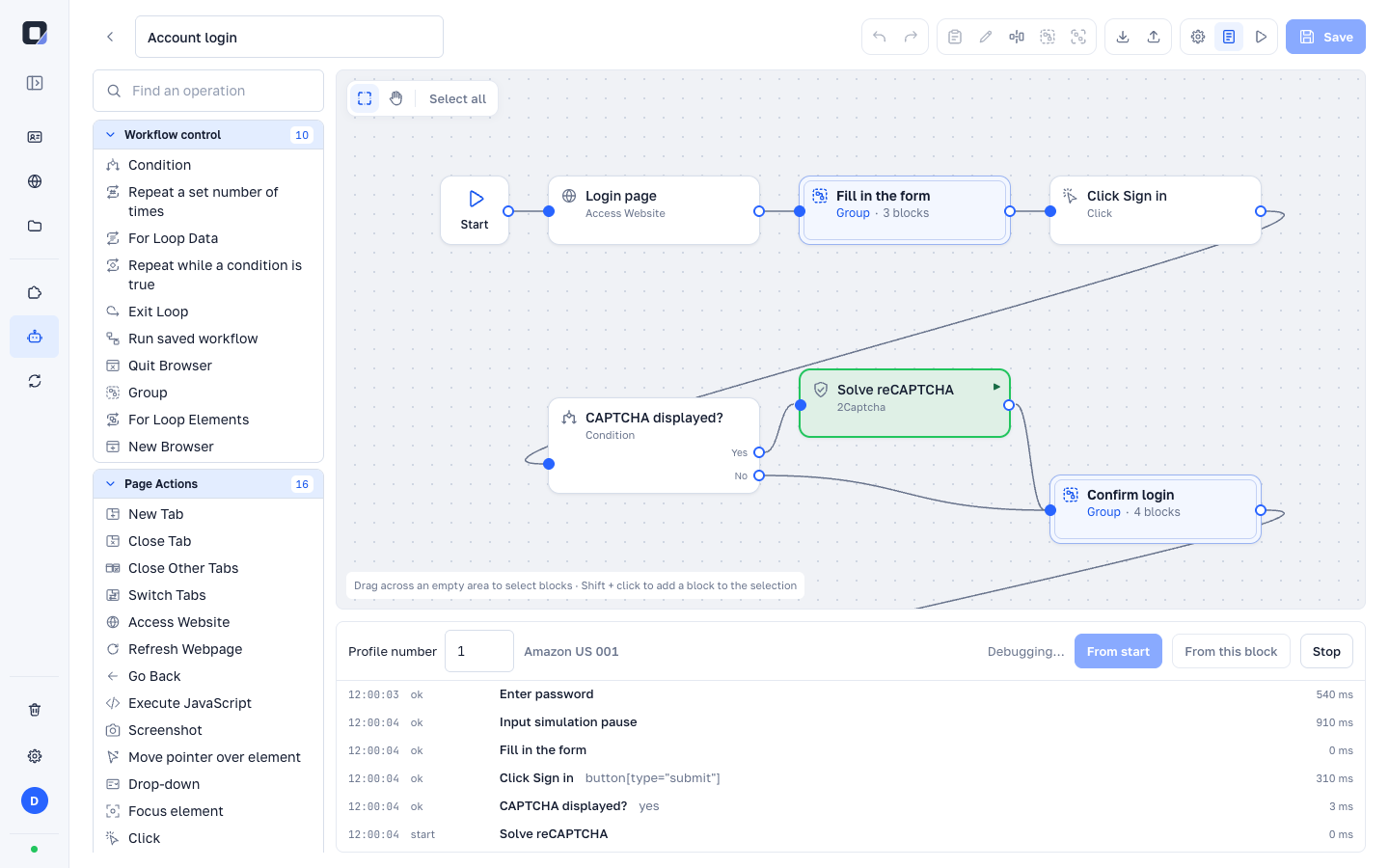
A workflow of connected blocks: page navigation, action groups, a condition, 2Captcha and saving results.
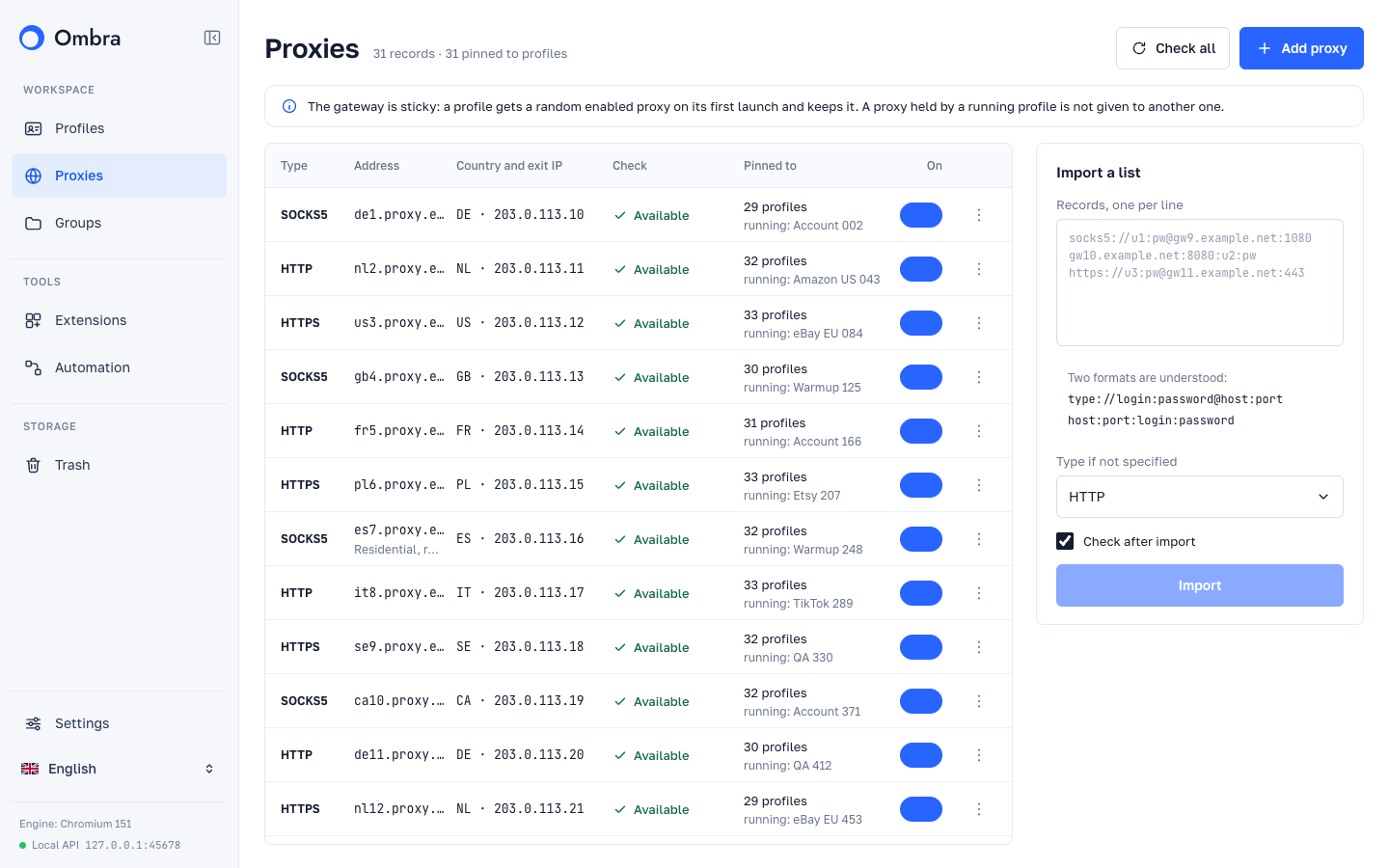
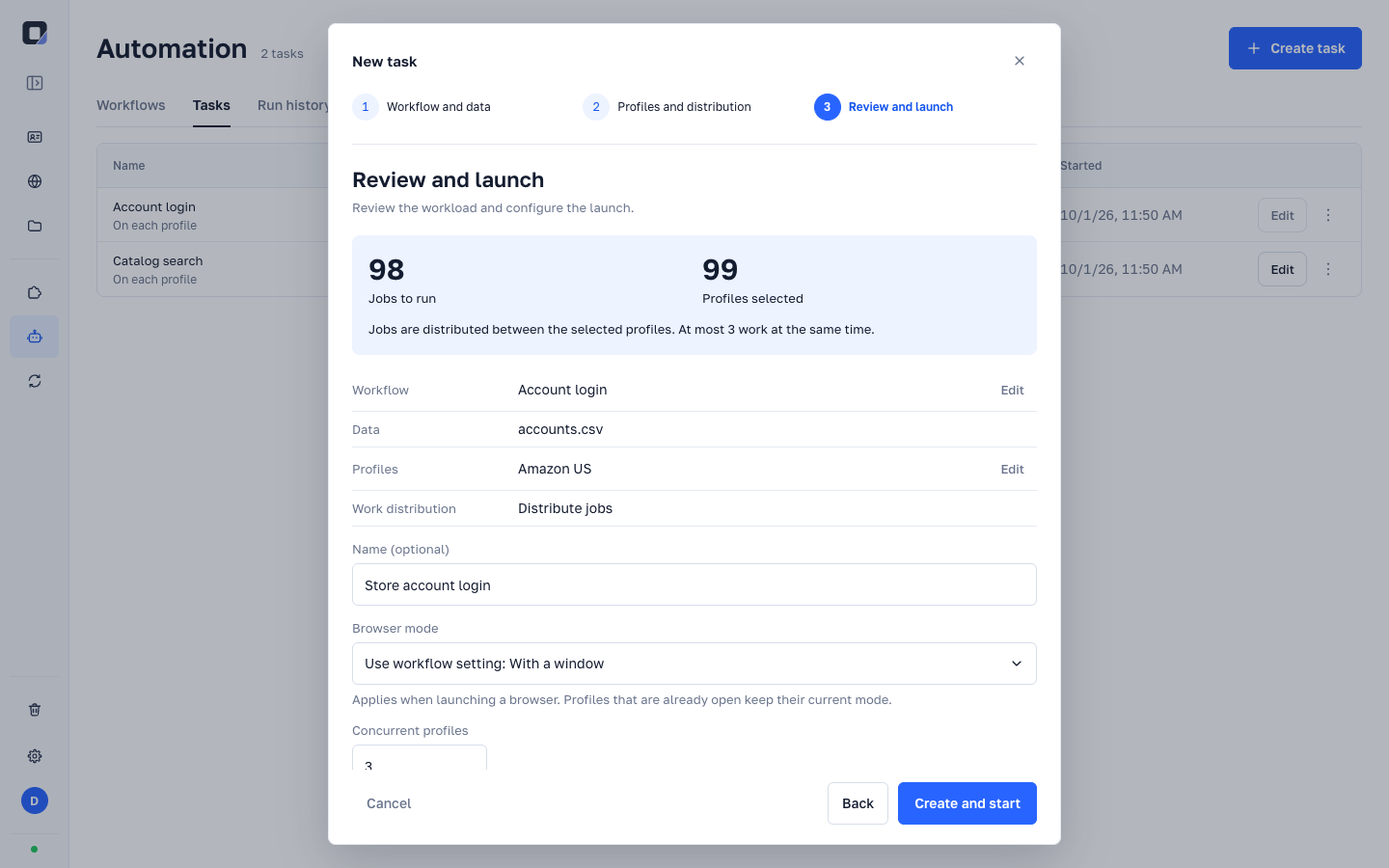
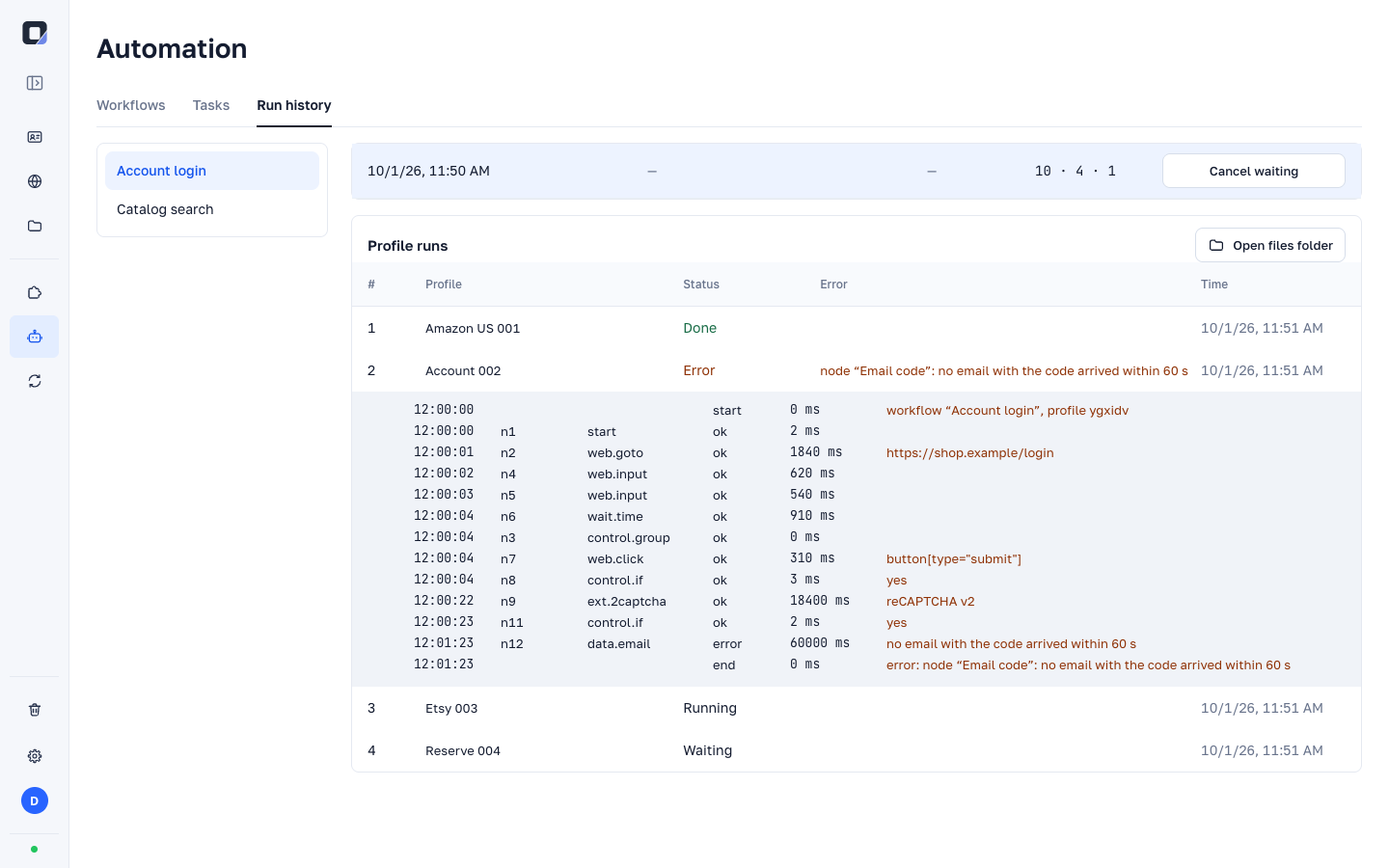
Screenshots of the real application. Profile names and values shown are demo data.
Groups and tags keep projects separate. Each profile has its own cookies, settings and proxy. Run repeated actions across selected profiles at once.
Input data: profiles and a table of accounts. Actions: fill in the form, verify sign-in and save data. Result: results by profile, cookies and an error log.
In this example, the 2Captcha block uses your external service key. See recordings of the built-in module in the CAPTCHA section.
Three examples of Ombra's capabilities working together. Adapt them to your own websites and data.
Research and monitoring
Online stores and projects
Development and testing
Local API starts a profile and returns its CDP connection address. Use this address in Playwright or Puppeteer.
curl -X POST http://127.0.0.1:45678/api/v2/browser-profile/start \
  -H 'Content-Type: application/json' \
  -d '{"profile_id":"YOUR_PROFILE_ID"}'

# The CDP endpoint is in the response's data.ws.puppeteer fieldimport { chromium } from 'playwright';
// CDP endpoint from the Local API response
const browser = await chromium
.connectOverCDP(wsEndpoint);
const context = browser.contexts()[0];
const page = await context.newPage();
await page.goto('https://example.com');import puppeteer from 'puppeteer-core';
// data.ws.puppeteer from the Local API response
const browser = await puppeteer.connect({
browserWSEndpoint: wsEndpoint,
});
const [page] = await browser.pages();
await page.goto('https://example.com');Download and run the browser. No account, key or licensing server is required.
Local manager components are in development. No installer is available yet.
External services, including proxies and 2Captcha, use your own keys and their own terms.
Ombra features and setup.
Ombra is a browser profile manager with built-in CAPTCHA solving, fingerprint configuration, input simulation and visual RPA automation. Work manually or connect your scripts through the Local API.
Fingerprint configuration, input simulation and CAPTCHA solving are implemented in the browser engine. The manager organizes profiles and proxies and runs automation workflows.
Yes. Local API starts profiles and returns a CDP endpoint for Playwright and Puppeteer. Compatibility with the AdsPower Local API helps you adapt existing tools; check the documentation for specific methods.
Open the CAPTCHA section in a profile’s settings. Enable the module and solving, then set a time limit and number of attempts. To use it while browsing manually, also allow solving during manual control. Support depends on the challenge type and browser version.
The standalone browser is available for macOS on Apple Silicon, Windows x64 and Linux x64. An installer for the local profile manager is not yet available.
No. The standalone browser is free and works without an account or licence key.
The standalone Ombra browser is available for macOS, Windows and Linux. You can run it without an account.