Consistent fingerprint
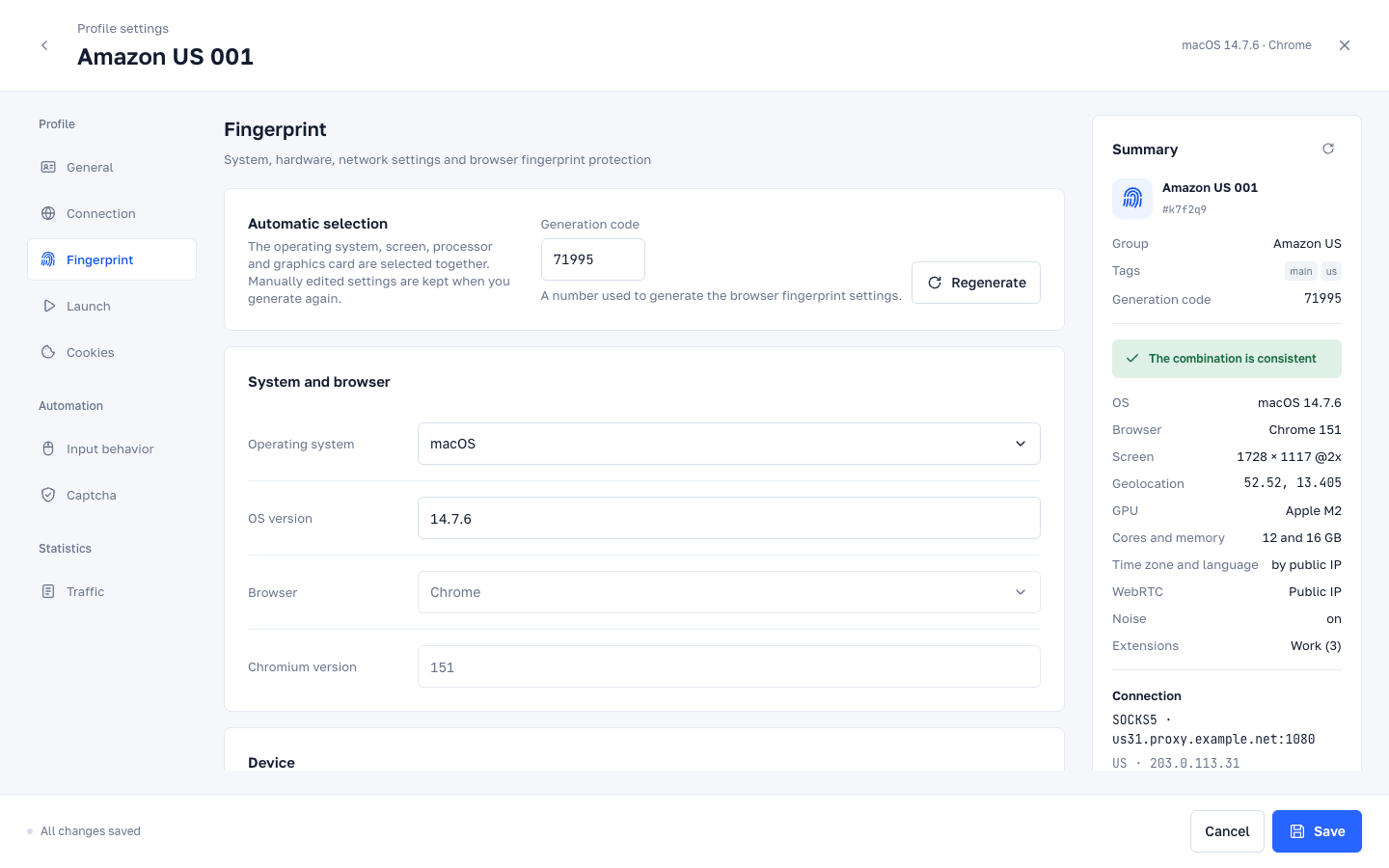
Canvas, WebGL, audio, fonts, screen and hardware settings form a consistent configuration. Generate a fingerprint automatically or configure it manually.
Configure a browser fingerprint for each profile. Ombra keeps its settings consistent and preserves them between launches.
Each profile has its own browser fingerprint, separate data storage and proxy settings. The browser is based on Chromium.
Canvas, WebGL, audio, fonts, screen and hardware settings form a consistent configuration. Generate a fingerprint automatically or configure it manually.
Cookies, history and other browser data are stored separately for each profile.
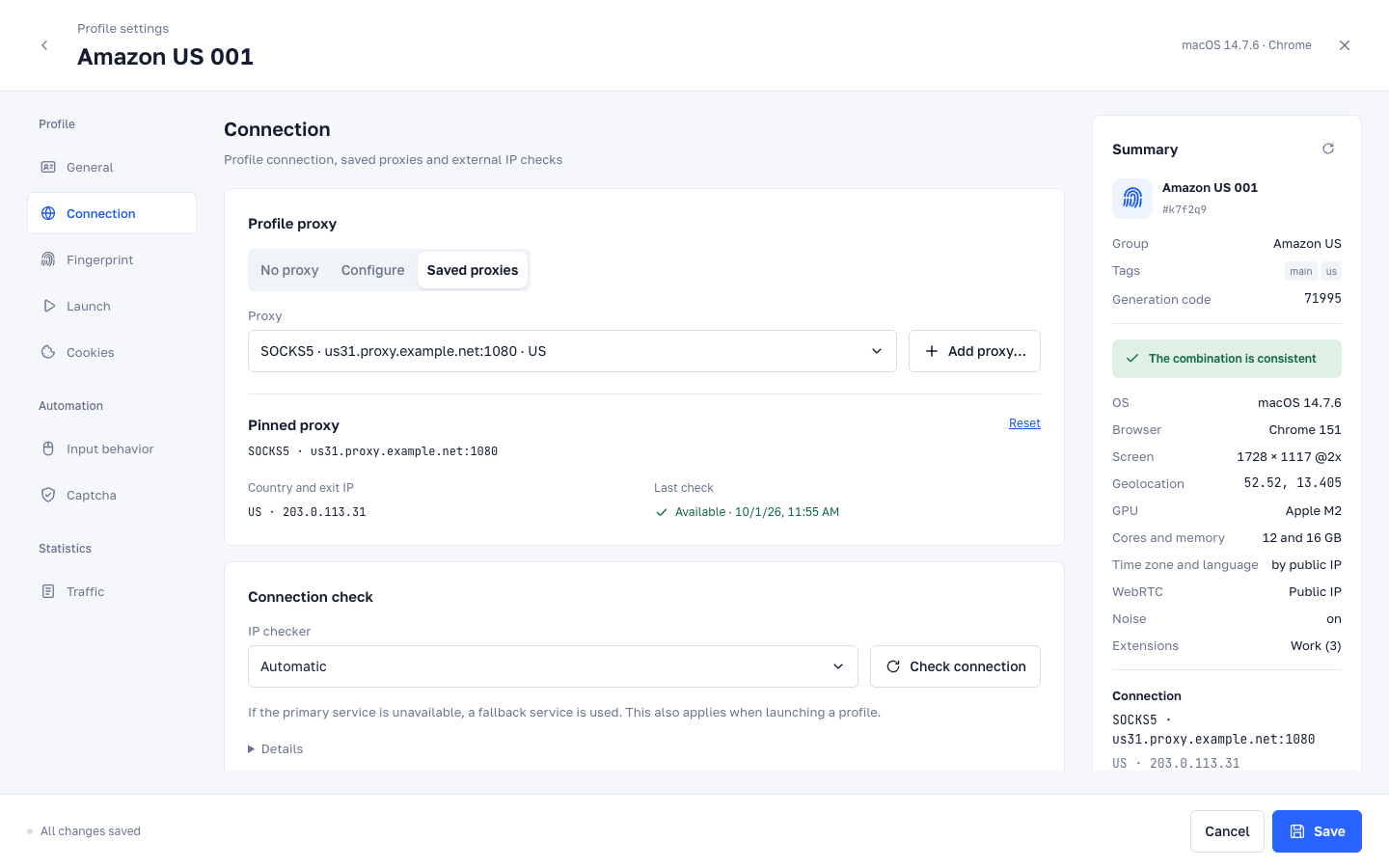
Assign a proxy to the profile and configure its time zone, language and WebRTC.
Use the browser interface and extensions you know. Ombra runs on its own Chromium build with changes at the engine level.
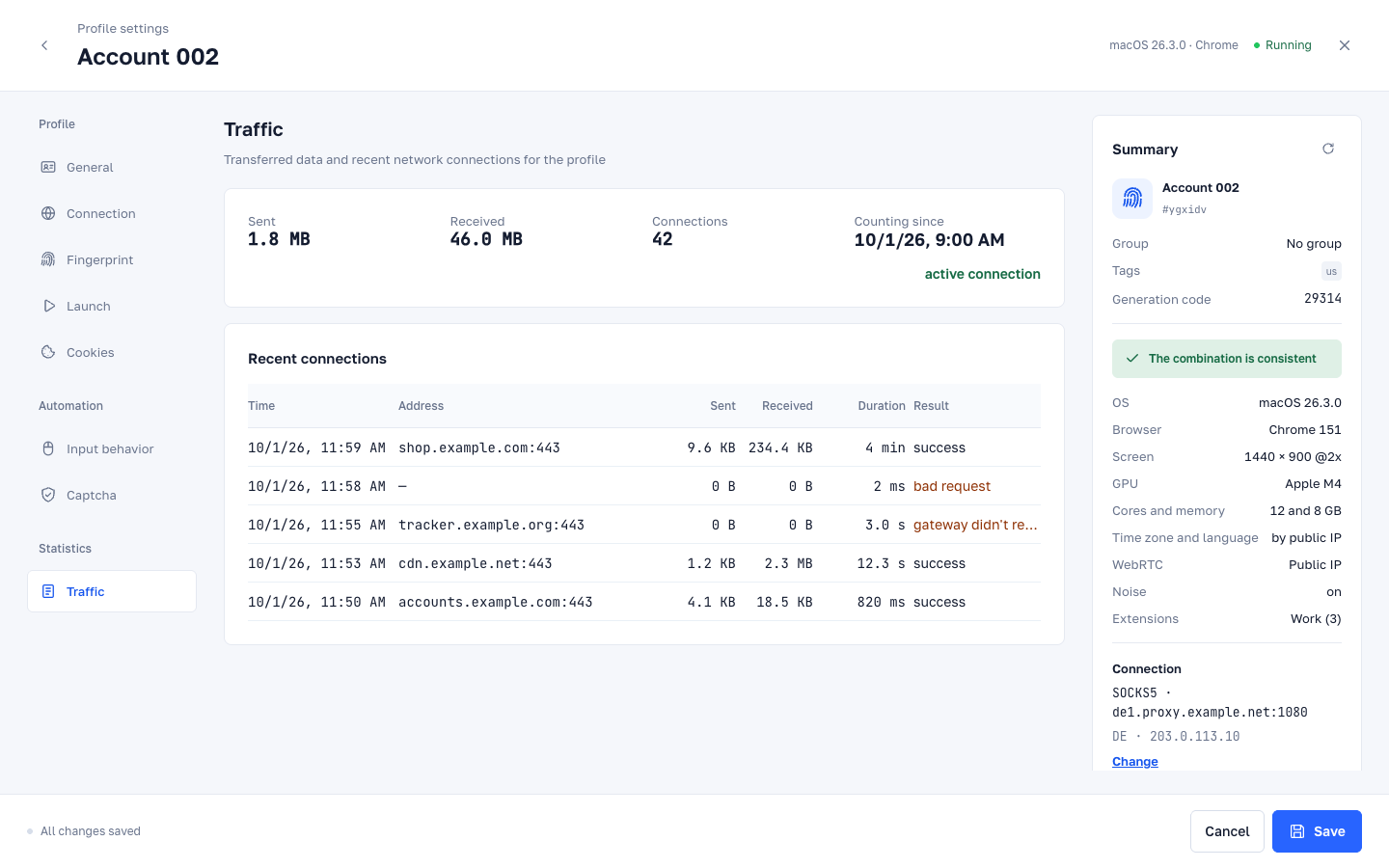
Real Ombra screenshots with demo data. Click a screenshot to see the details.
Example use case. Adapt the workflow to your data and pages.
Ombra features and setup.
No. A website's decisions depend on IP address, account history, behavior and other signals. Ombra controls the browser environment but cannot guarantee a third-party system's decision.
Yes. The profile editor provides environment settings. You can generate a fingerprint and then adjust it.
The standalone Ombra browser is available for macOS, Windows and Linux. You can run it without an account.