Groups, search and filters
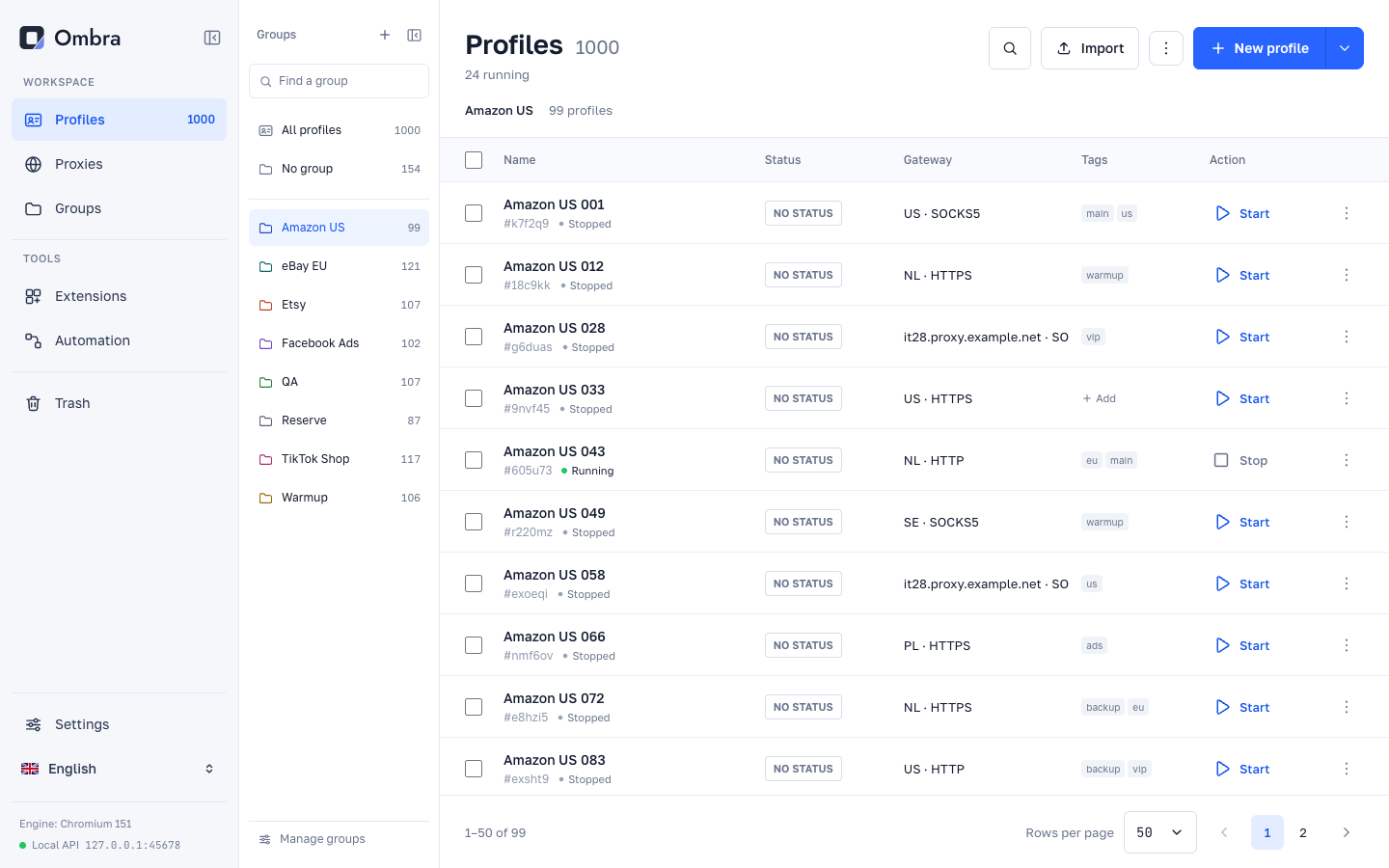
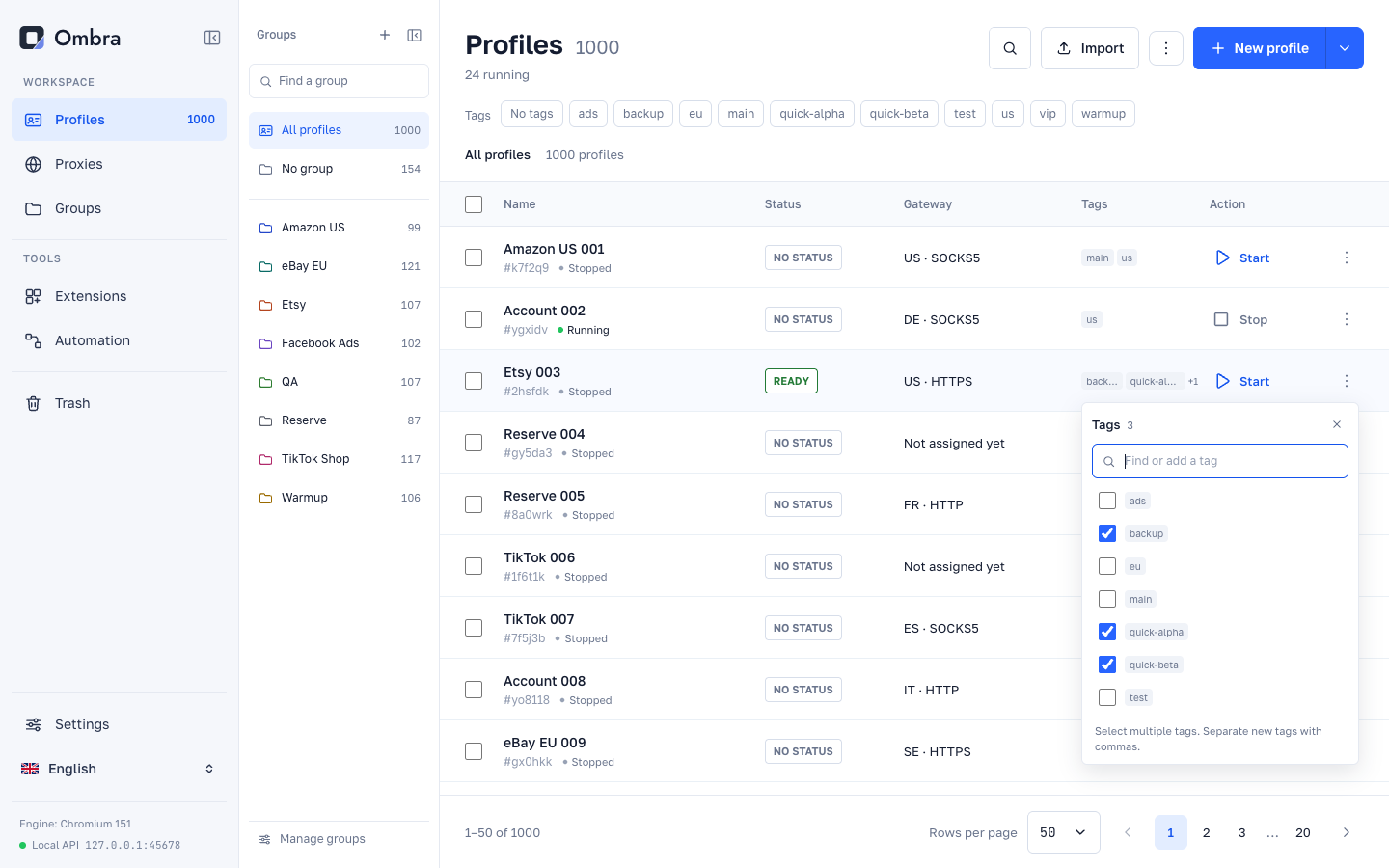
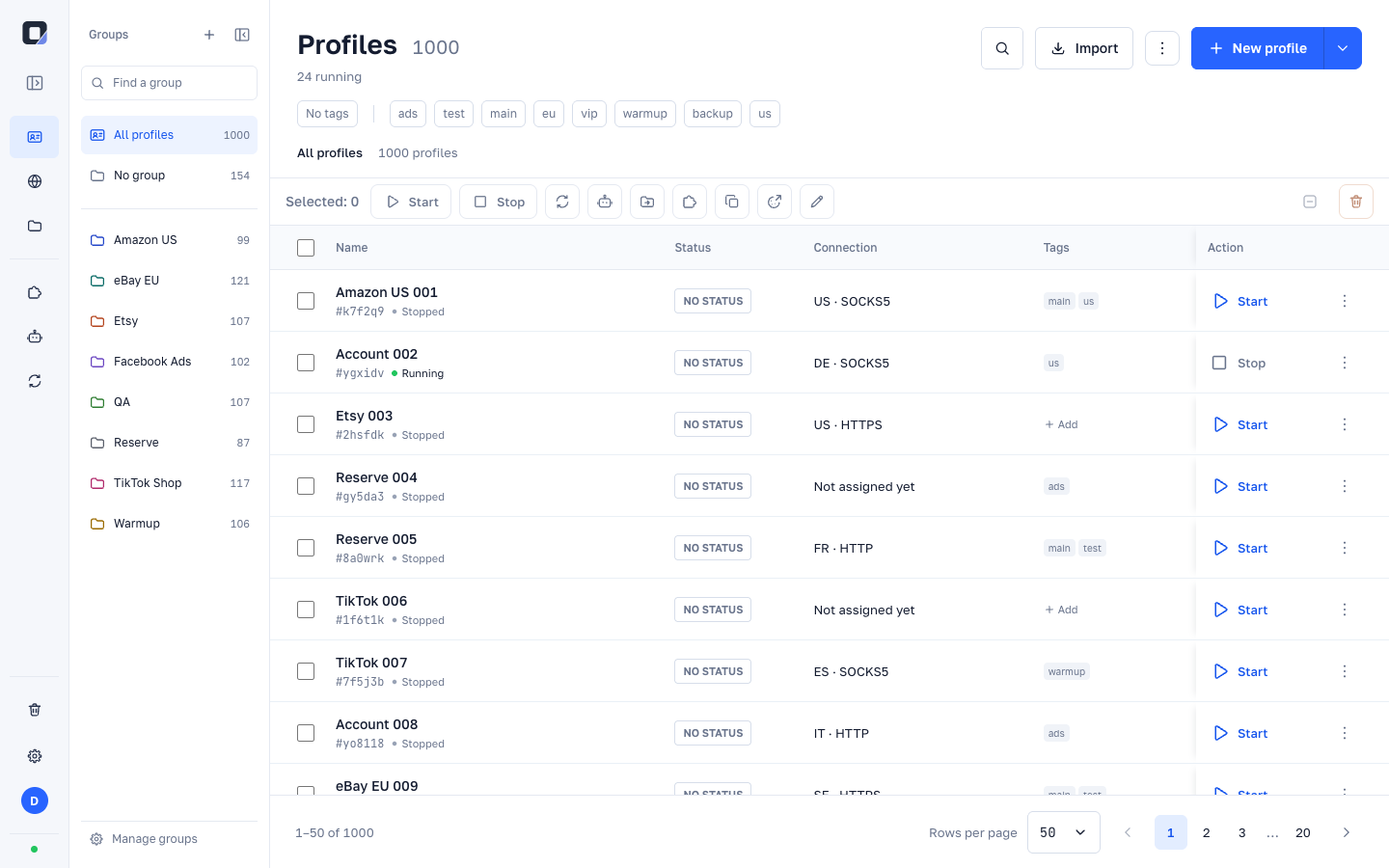
Group profiles, add notes and find the profile you need with search and filters.
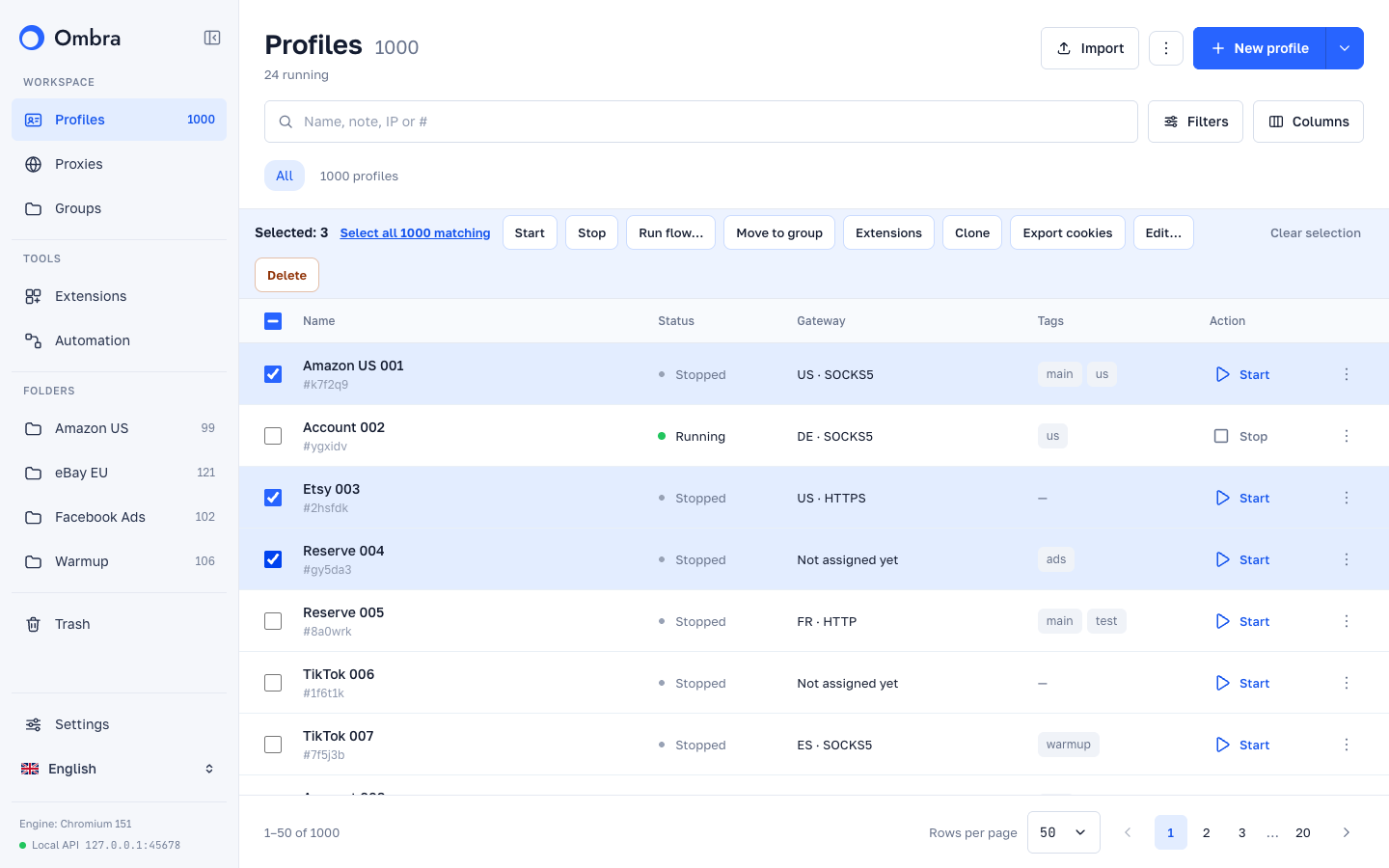
Organize profiles by project, find them with search and filters, and perform actions on several profiles at once. Each profile’s settings and data are stored separately.
Create and launch profiles, organize them into groups, assign proxies and manage extensions in one application.
Group profiles, add notes and find the profile you need with search and filters.
Create, launch, stop and edit multiple profiles at once.
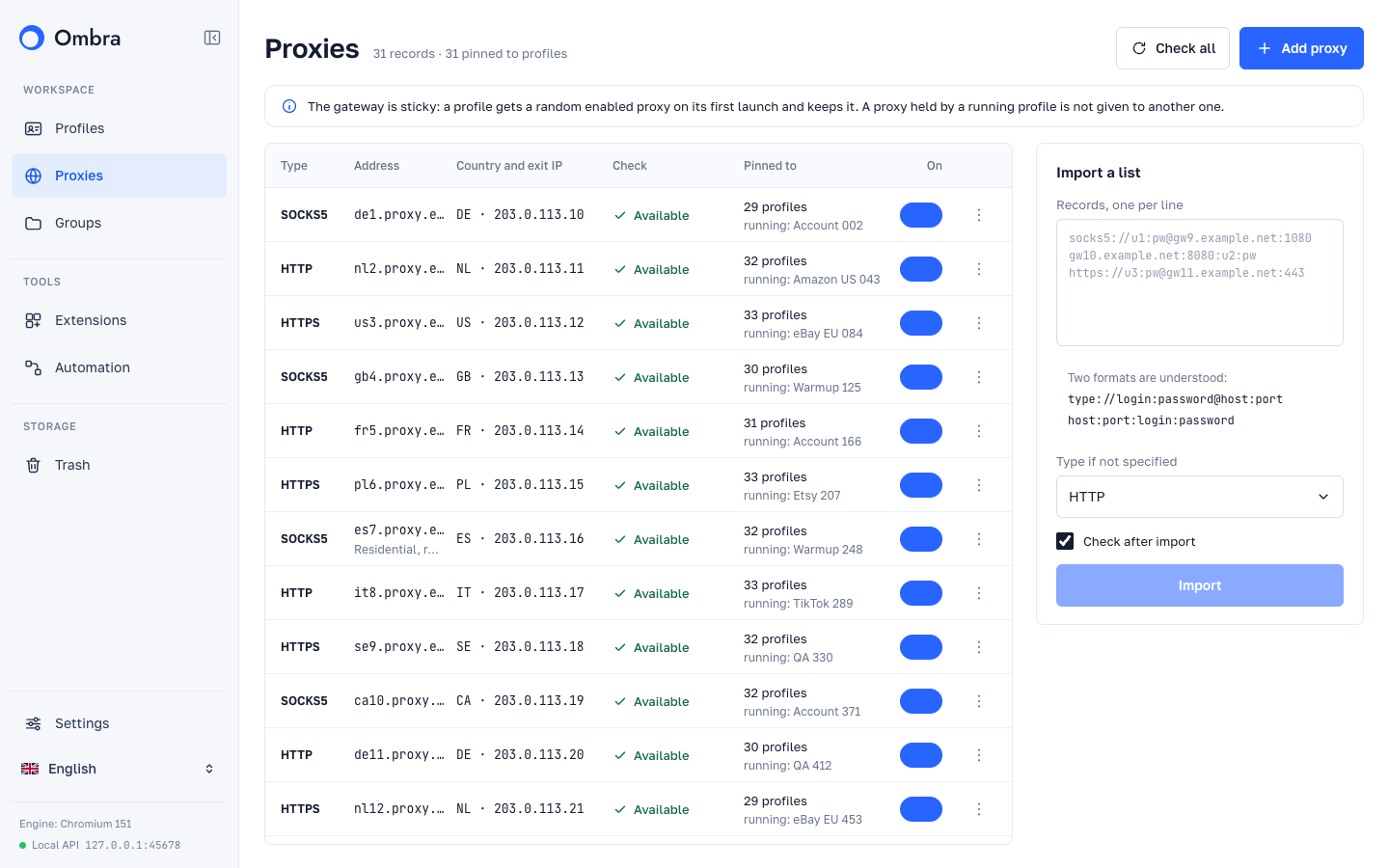
Maintain a proxy list, assign connections to profiles and manage extensions from the manager.
Import cookies and profile settings. Create copies of profiles and transfer them using archives.
Example use case. Adapt the workflow to your data and pages.
Ombra features and setup.
In the current version, profiles and browser data are stored locally on your computer. Cloud synchronization is not supported.
You can assign a proxy to each profile. The setup depends on your tasks and the websites' requirements.
The standalone Ombra browser is available for macOS, Windows and Linux. You can run it without an account.