
A browser profile is a separate browser environment. Sites see it as one device with its own cookies, local storage and network settings. Ombra stores every profile in its own folder and starts each one in a separate browser window.
What belongs to a profile
- Cookies, local storage, history and other browser data.
- Browser fingerprint: platform, screen, GPU, CPU, memory, time zone, language and WebRTC.
- A proxy pinned to the profile and the connection rules that go with it.
- Extensions, bookmarks, start pages and saved account credentials.
- Settings for CAPTCHA solving and input simulation.
What Ombra adds
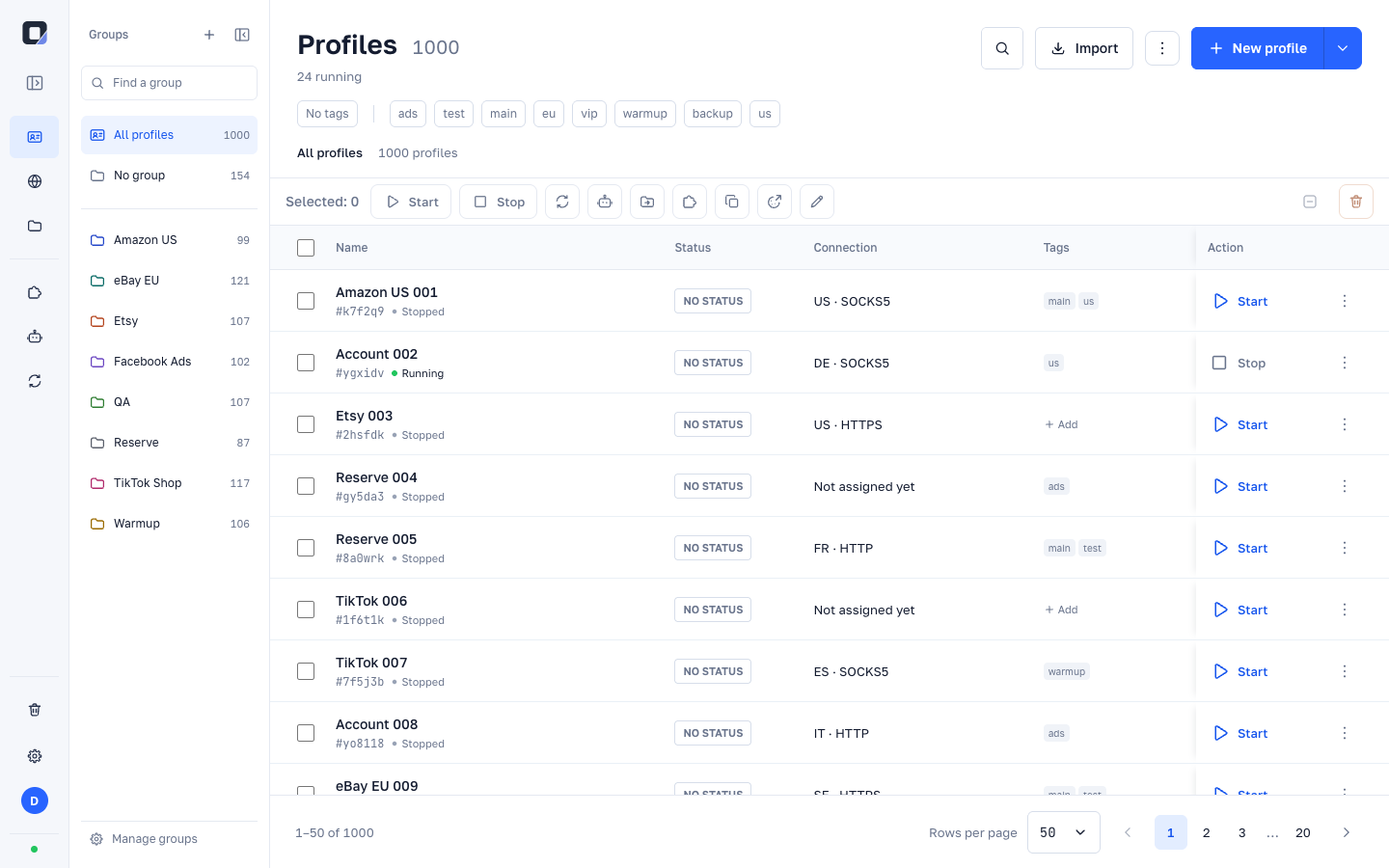
- A profile manager: groups, tags, statuses, search, bulk actions and import or export.
- Built-in CAPTCHA detection and solving inside the browser engine, with per-profile settings.
- Input simulation: mouse movement, typing pace and scrolling during automation.
- Visual automation workflows that run on one or many profiles and keep a run history.
- Local API and CDP for Playwright, Puppeteer and your own tools.
Three ways to work
Choose the method that matches the task. You can switch between them for the same profile.
- By hand. Open a profile, sign in and work as in a regular browser. Input simulation does not change manual actions.
- Automation. Build a workflow from actions, conditions and loops, then run it on selected profiles with a table of input data.
- Your code. Start a profile through Local API, take the CDP address from the response and connect Playwright, Puppeteer or another CDP client.
 1:1
Release status
Download the standalone browser for macOS on Apple Silicon, Windows x64 or Linux x64. It works without an Ombra account or licence key.
Manager version 1.2.1 depended on the retired Ombra sign-in service and can no longer open its workspace. Local manager components currently exist only in source code. No installer is available yet. See profile manager status for release information.